
How to Enable Multiplayer in Teardown – Step-by-Step Guide
13 feb 2026 at 15:23
At the beginning of 2026, the developers of Teardown prepared a big surprise for the community — they added official multiplayer. Now everyone has the opportunity to play together with friends and even use mods.
Important! The official multiplayer mode is still in active development and testing, so bugs may occur. In addition, many mods are not yet adapted for multiplayer and will not work in this mode.
In today’s guide, we will go step by step through how to get access to multiplayer testing in Teardown.
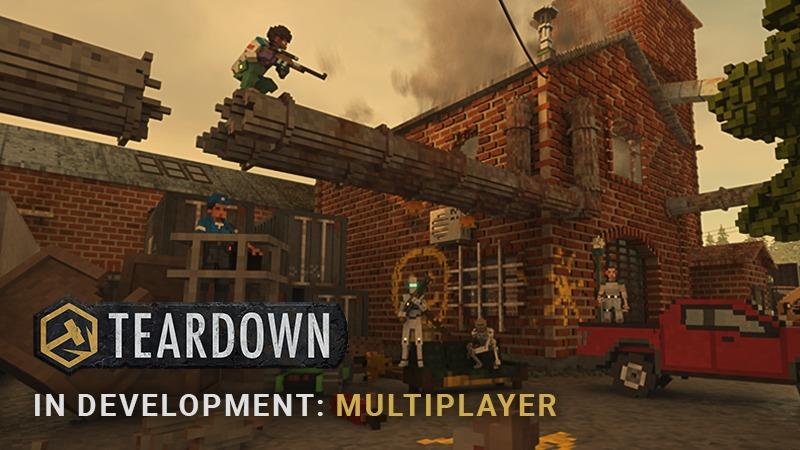
How to Enable Multiplayer in Teardown: Experimental Beta Version
Follow the step-by-step instructions to enable multiplayer and play with friends in Teardown (all players must complete these steps):
- Open Steam and go to your game library
- Select Teardown
- Right-click and choose "Properties"
- In the window that opens, select "Game Versions and Betas"
- Choose the game version — select "Experimental"
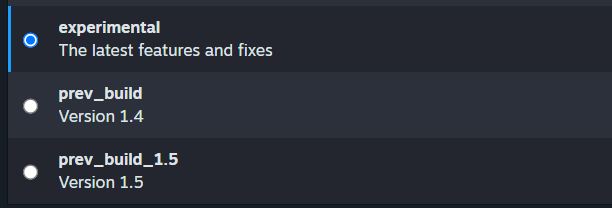
Congratulations, you have successfully activated the Teardown beta version with multiplayer access. Now just wait for the update to install, then launch the game and start having fun with your friends.
See also
Comments 0
Rules for writing comments. For non-compliance - ban!
- Use of profanity (mat) in messages
- Communication is not on the topic of the material
- Any insults of other participants, including the author of the material
- Writing messages in whole or in part in CAPITAL letters (Caps Lock)
- Expressing your opinion without supporting it with arguments
- The use of links to third-party sites, or the use of images/videos/other content containing the aforementioned links
Messages that violate these rules will be deleted, and malicious violators - deprived of the ability to add comments on the site!