
How to Install Mods for Teardown in 2026
Teardown is a game with an active modding community, and mods allow you to expand the game's possibilities: new vehicles, maps, weapons, and much more. In this guide, we will explain how to properly install mods for Teardown in 2026 so that they work correctly and do not break multiplayer. You can download the most up-to-date mods and maps for Teardown on Modslab!
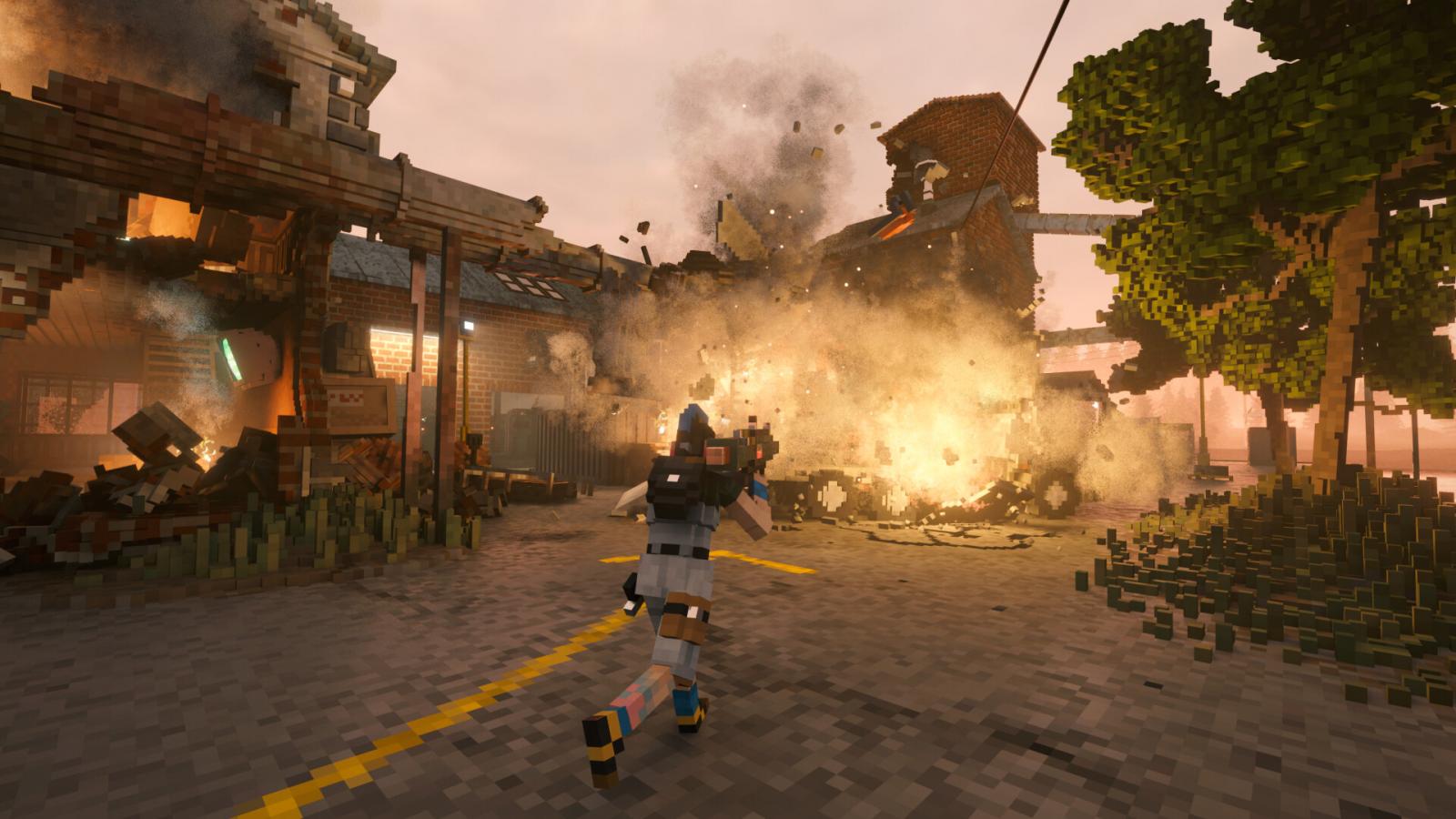
Installing Mods in Teardown in 2026
There are two ways to install mods: via Steam and manually. Installing through Steam is straightforward — simply subscribe to the desired mod in the Workshop. We will focus on manual installation. Here is a step-by-step guide:
- Go to the Teardown page on Modslab;
- Find a mod you like in the large database of mods. You can simplify your search by selecting a category (e.g., vehicles, maps, weapons, tools, etc.);
- Download the archive (usually the download links lead to Modsfire, where the archive is hosted);
- After downloading the archive, extract the files to the path \Steam\steamapps\common\Teardown\mods
- Done, the mod for Teardown is installed. Now launch the game and check it.
Here are some important tips to help minimize risks when installing Teardown mods:
- Always make a backup of your game folder before installing large mods.
- Download mods only from trusted sources to avoid viruses and file corruption. On Modslab.net, we have the most up-to-date mod database for Teardown, free from viruses and third-party applications!
- Keep track of game and mod updates, as older versions may stop working after patches.
- For convenience, you can create separate folders for mods and enable them as needed.
Installing mods in Teardown in 2026 is simple if you follow the step-by-step instructions. Mods allow you to expand the gameplay experience, add new features, and diversify your gameplay. The key is to check compatibility and install files from reliable sources. With proper installation, your mods will work smoothly, keeping the game stable and enjoyable.
How to create your own Teardown server and play with friends
- 936
- 0
- 15 feb 2026
Comments 0
Rules for writing comments. For non-compliance - ban!
- Use of profanity (mat) in messages
- Communication is not on the topic of the material
- Any insults of other participants, including the author of the material
- Writing messages in whole or in part in CAPITAL letters (Caps Lock)
- Expressing your opinion without supporting it with arguments
- The use of links to third-party sites, or the use of images/videos/other content containing the aforementioned links
Messages that violate these rules will be deleted, and malicious violators - deprived of the ability to add comments on the site!