
Map mods for Teardown

- 2945
- 553
- 0
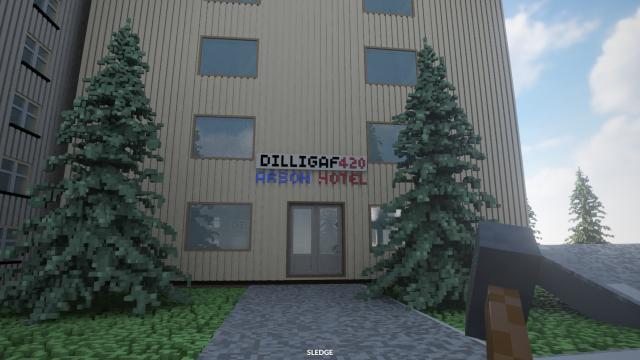
New cool map for Teardown - The Arson Hotel. As the name implies, you will be dropped into a hotel that you will have to tear down.
- 35401
- 11294
- 0
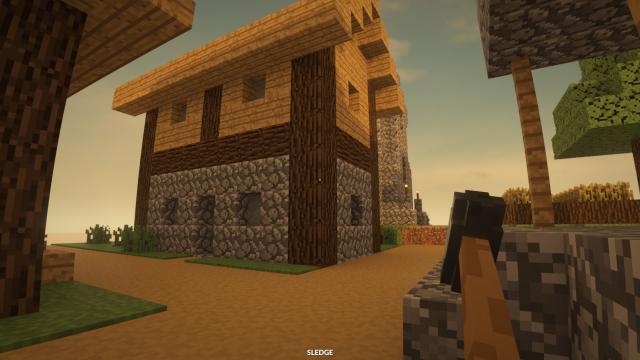
A small town-like settlement for Teardown that will be available in the game thanks to this mod. In the new location you can find several small houses, a forge, a church, several trees and more. Of course, all this is done in the style of the legendary game Minecraft. Installation: - In the \Teardown\create folder, make a backup of the custom.xml file, and in the \Teardown\create\custom folder, make a backup of custom.vox. - Put the custom.xml file from the archive to the path \Teardown\create; - Put the .vox files from the archive to \Teardown\create\custom; - Launch the game and enjoy the map.
- 3077
- 1017
- 0
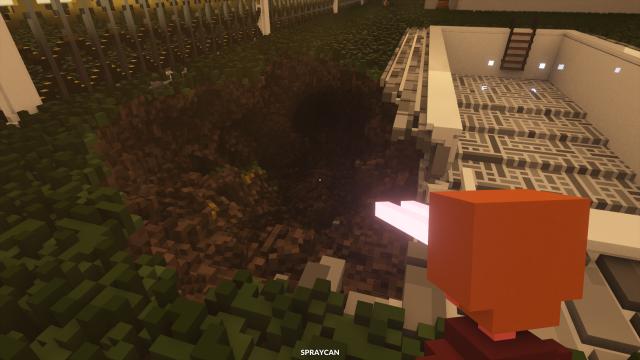
The mod for Teardown adds one of the highest quality custom maps to your game. It's a cozy home with its own garden. The interior of the house is well worked out, there is furniture. The doors and windows open and close normally, everything works.
- 4804
- 1247
- 0
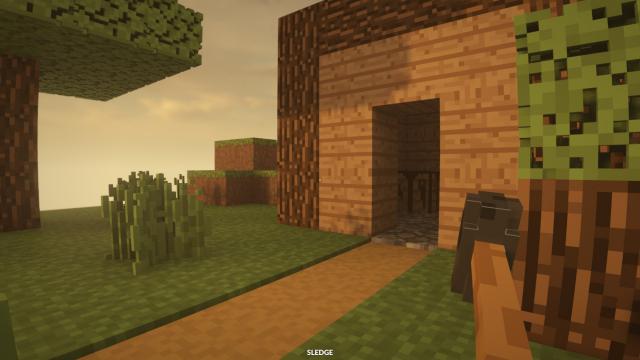
- Добавлены дополнительные деревья и домики. - Добавлены дополнительные предметы и блоки. The Mod Map for Teardown adds a small location from the legendary Minecraft. The location contains a house, trees, and a mine. In general, everything can be seen in the screenshots. Update 1.2: The map is expanded by 2 times. Additional trees and houses are added. Additional items and blocks are added.
- 1627
- 296
- 0
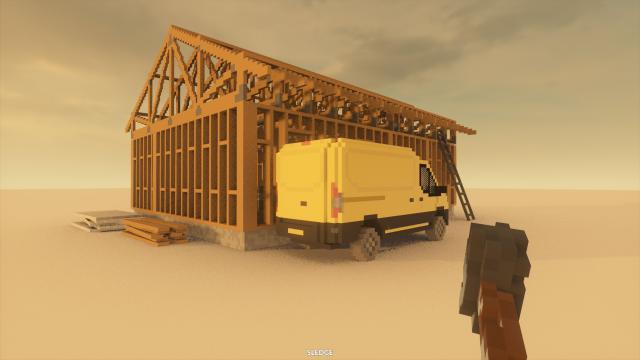
A small map with a structure and one vehicle in Teardown.
- 3880
- 685
- 0
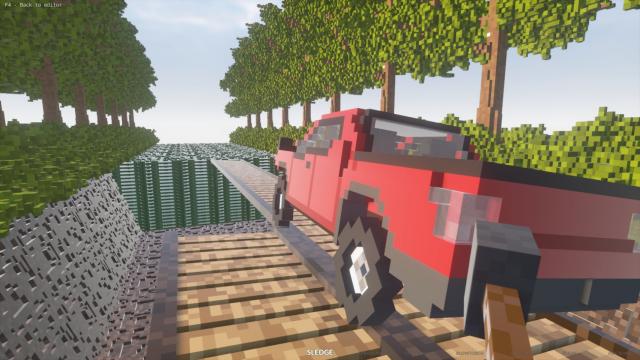
This map is designed for testing vehicles in Teardown. There are various ramps, off-road points, various destructible objects, interesting locations, etc. - in general, everything necessary for testing and destruction of vehicles.
- 2325
- 529
- 0
- 6137
- 1863
- 0
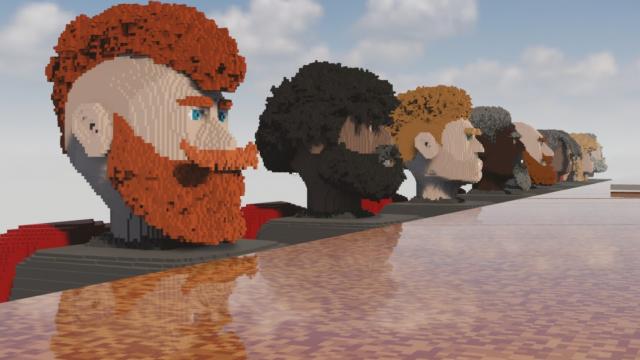
One of the most unusual mods for Teardown adds a barber simulator (kind of a map). On the map there are characters whose hair can be edited. Have fun, create unique hairstyles, feel like a real barber. Share your creativity in the comments.