
-
Games
Total materials on the site: 32130View all games 279
-
Starfield
-
Mods
28 with 744 for Starfield
Gameplay mods for Starfield

- 856
- 182
- 0
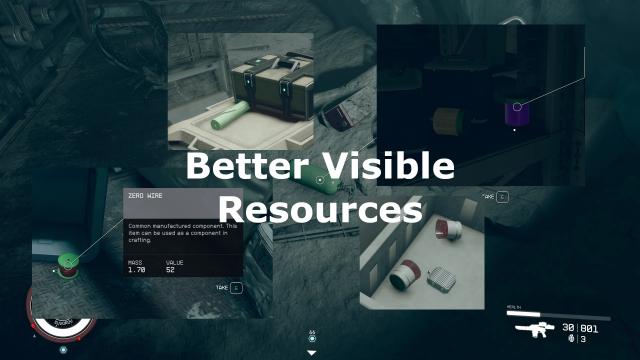
With this mod for Starfield, most useful materials will be highlighted in front of the rest of the items, making them easier to spot. Installation path: ../My Games/Starfield
- 1216
- 159
- 0
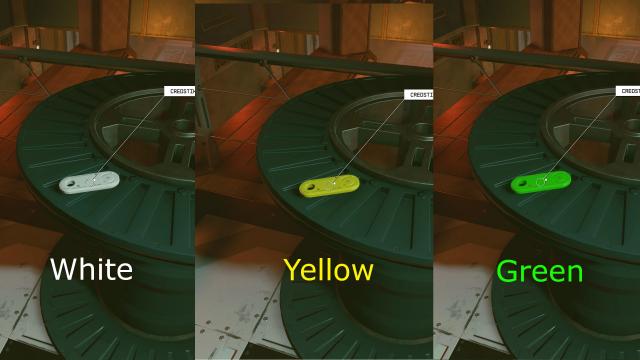
Facilitates the search for valuable items, highlighting them against the background of other items in white, yellow or green (selection in the archive). The following items are currently highlighted: - Digipick; - Credistick. Installation path: My Games/Starfield
- 994
- 168
- 0
Frustrated that companions constantly steal experience? The Starfield mod fixes this. You now gain experience if you deal any amount of damage to an enemy (previously 25%, now 1%), even if the enemy was killed by a companion or another NPC. Installation Path: SteamLibrary\steamapps\common\Starfield StarfieldCustom.ini with the necessary settings is in the archive.
- 974
- 164
- 0
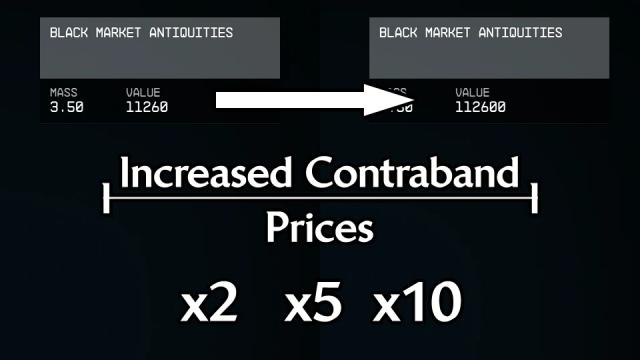
Significantly increases the price for smuggling. There are several options in the archive: x2, x5, x10. Installation path: Data folder in the root folder of the game After installation, make sure that in StarfieldCustom.ini under [General] there is a line sTestFile1=IncreasedContrabandPrices.esp.
- 895
- 167
- 0
Increases pickup radius in outer space. Be sure to add the line sStartingConsoleCommand=bat ISLD to StarfieldCustom.ini after installation, under the [General].
- 1506
- 241
- 0
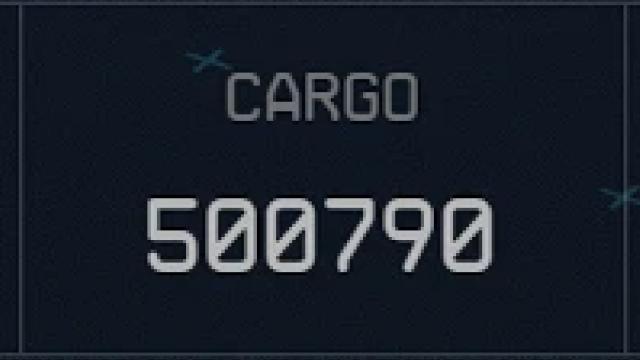
Increases spaceships' luggage capacity to 500,000. Installation path: Data folder in the root folder of the game. After installing the mod, open StarfieldCustom.ini and under [General] add the sTestFile1=ShipStorage.esp line (if there are other esp files and other lines - at the end of sTestFile, the number 1 can be replaced by 2, 3, and so on).
- 1081
- 178
- 0
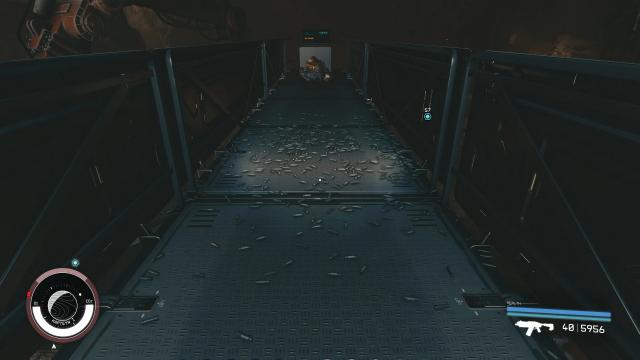
Removes the limit of 10 shells. Now the shells will not disappear so fast. There are 4 options in the archive: from low (150 shells, 500 seconds) to ultra (9000 shells, 9000 seconds) - select only one option. Please note that due to the shells, lags may occur! Installation Path: Steam\steamapps\common\Starfield After installation, enter bat ShellCasingsMedium in the console (if you use Ultra, replace the word Medium with Ultra, and so on with all other versions).
- 848
- 226
- 0
Increases the scanner illumination radius by 3, 5 or 10 times (selection in the archive). Installation: - Drop files to the root folder of the game; - Add line sStartingConsoleCommand=bat IHR under [General] in StarfieldCustom.ini.