
Mods

- 1330
- 337
- 0
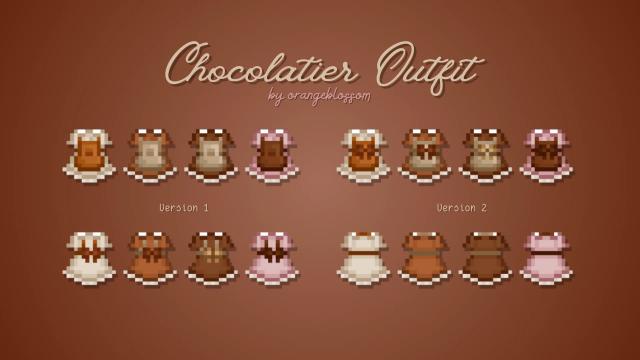
Complete your wardrobe with these cute chocolate outfits! This modification adds as many as 8 dresses with an apron to the game, whose colors resemble different types of chocolate. Also, the dresses have 2 variations, differing in the location of the bow - in the front or in the back.
- 901
- 173
- 0
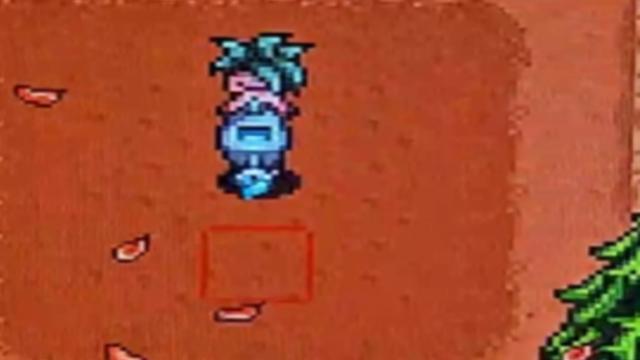
This mod greatly improves the watering can in Stardew Valley, allowing you to water 25 squares at once (5x5) with one action. With each watering can upgrade, the number of cells watered increases by 5, which greatly simplifies the care of your plantings. Now you don’t have to water each plant separately - just water one cell, and all surrounding cells will also be watered. I created this mod because I was really annoyed by watering 200 potatoes. I'm currently playing Stardew Valley and tested the mod on version 1.6.
- 867
- 516
- 0
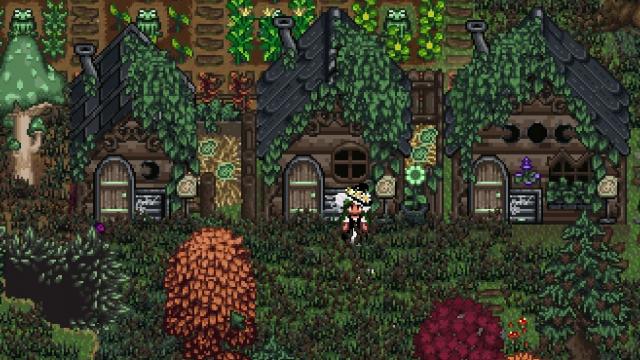
Transform your chicken coop into a magical terrarium with this seasonal mod! Perfect for putting your dinosaurs or any other custom animals in the coop! This mod uses fascinating resources created by the talented BogWyytch, with her kind permission. Immerse yourself in the mystical atmosphere inspired by the swamps, which changes depending on the season, adding magic to your farm. Do yourself a favor and download all her mods! Features · Seasonal changes:Enjoy the beautiful terrarium, which changes with each season. I changed the coops by adding ghost frogs to the sign and the side of the building instead of eggs to match the animals from Bog. The color of the frogs also changes depending on the season! · Suitable for dinosaurs: A unique and charming home for your prehistoric pets. · Compatibility with custom animals: Ideal for mods that add custom animals to the farm, such as Frog Friends (does not replace their terrarium, but their frogs can live in a chicken coop), The Witch's Familiars (Junishrooms & Toad) or Ilucie's Hermit Crabs! Installation 1. Set SMAPI: Make sure you have the latest version installed.alled. 2. Install Alternative Textures: Make sure you have the latest version installed. · · · To use Alternative Textures, you need to buy a bucket of paint from Robin. Use this item to change the look of your buildings! 3. Download the mod: Click the "Download" button and extract the files to your Mods folder. 4. Launch the game: Launch Stardew Valley via SMAPI and enjoy your new magical terrarium!
- 741
- 219
- 0
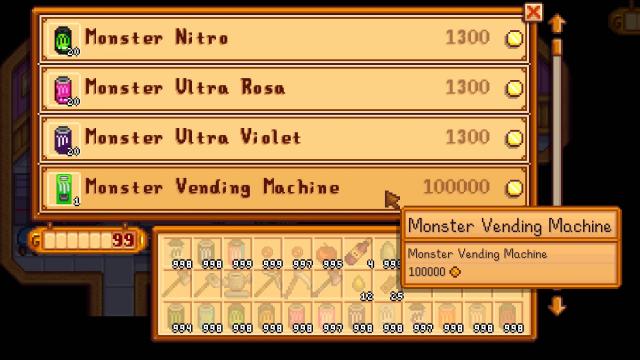
This mod is an addition to the mod Monster Energy Drinks, which adds Monster energy. These energy drinks can now be purchased from the Vending Machine located in Sandy's store in the desert.


- 784
- 233
- 0
Description of the Ford GT Supercar: · Price: $440,000 · Power: 476 kW / 647 hp Maximum speed: 335 km/h · Working lights · Basic body color · Designer coloring Wheel customization Fuel tank capacity: 120 l · Weight: 2.3 t

- 1666
- 251
- 0
This mod will help people using Content Patcher create various mods. It does not add anything to the game, but only serves as a basis for other modifications related to furniture. If you are a simple player, you also need to download it for other furniture mods created using Calcifer.

- 1303
- 164
- 0
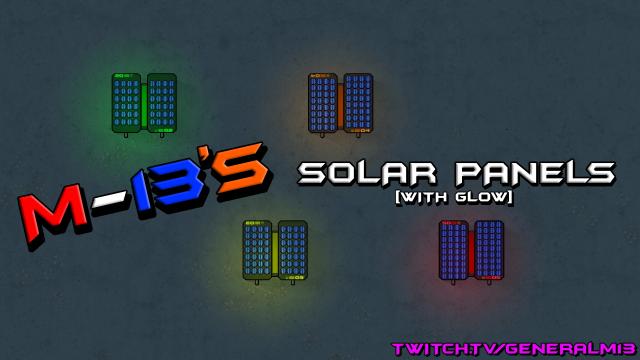
The mod adds more solar panels that produce more energy. There are two versions, luminous and not. While a vanilla solar panel produces 1700 watts, panels from the mod produce: - Advanced solar panel produces: 2125 W; - Upgraded solar panel produces: 2550 W; - Advanced solar panel produces: 2975 W; - Ultimate solar panel produces: 3400 Watts. But their creation will cost a lot of money!

- 968
- 241
- 0
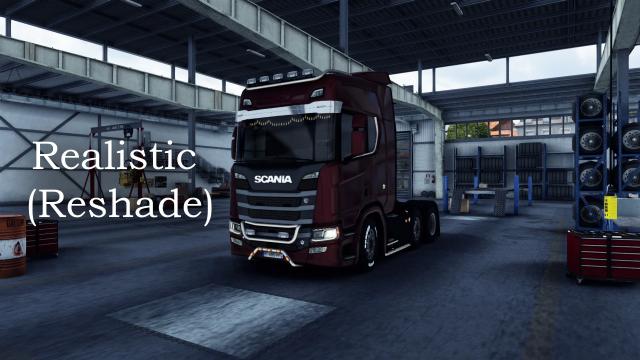
Attention: to work, you need to run the version of Euro Truck Simulator 2 with DirectX 11.span> Installation: 1. Unzip and copy all the files to the game folder where the file is located "eurotrucks2.exe ". Example: D:\Programas\Steam\steamapps\common\Euro Truck Simulator 2\bin\win_x64 or D:\Programas\Steam\steamapps\common\Euro Truck Simulator 2\bin\win_x86 2. Start the game. The message Reshade should appear at the top of the screen. Press the "PageUp" key to open the Reshade panel (the preset will be loaded), press "Skip Tutorial", then press "PageUp" again to close the panel. Keyboard shortcuts: · PageUp: Open the Reshade panel · PageDown: Enable/Disable effects Performance: RX560 2GB / FX6300 / 12GB RAM / SSD 240GB: -5 frames per second (with Reshade enabled)