
Mods

- 3277
- 588
- 0
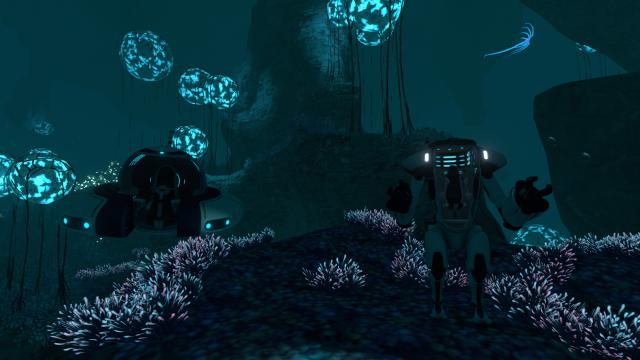
Tired of changing charging modules? Then this mod is for you! Solar and thermal charging devices in one flask. Features: - Module added to the transport improvement console; - Solar and thermal charging device in one flask; - Module works with a mote and CRAB; - Mod can be configured; - You can change the ingredients to create the module (file Recipe.txt); - To restore the standard recipe, just delete the Recipe.txt file. The mod will create a file with the default recipe itself.
- 2937
- 578
- 0
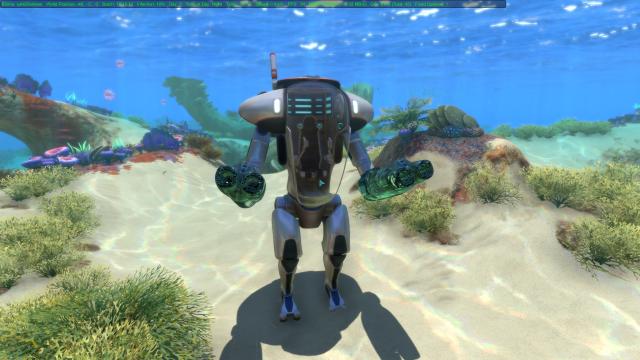
Mode adds a plasma gun for the CRAB in the game Subnautica. It can be found in the transport upgrade console. The gun runs on suit energy.
- 3367
- 504
- 0
A small plugin that adds an auto-save system to the game Subnautica. The game is saved at certain intervals of time, which can be configured in the config file. Separate slots are created for auto-saves, so your previous saves will not disappear.
- 7058
- 1756
- 0
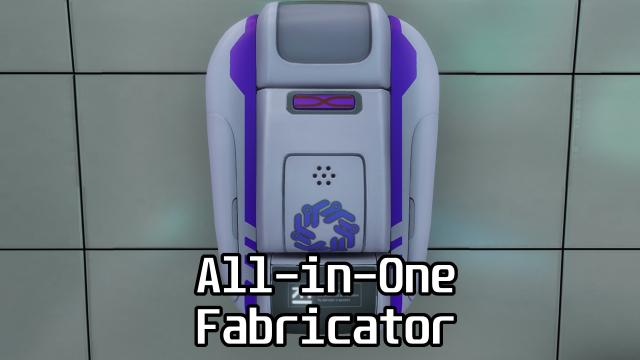
A new fabricator that combines all the types of fabricators available in the game. The All-in-One Fabricator includes the capabilities of a regular fabricator, a modification station, a cyclops fabricator, and a vehicle upgrade console and is a wall-mounted fabricator slightly larger than the standard one. The fabricator not only gathers all the recipes together. The mod dynamically creates its own crafting tree. Any changes you make to fabricators from other mods will be added to the All-in-One Fabricator. Any new fabricators from mods will also be added to the universal fabricator.
- 1572
- 278
- 0
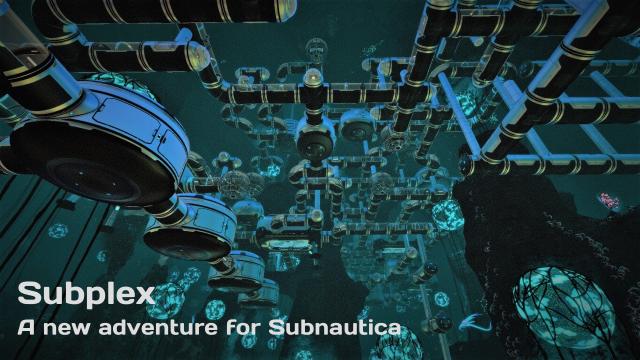
Subplex is a new adventure created in Creative Mode. It includes puzzles that you will need to solve by finding clues, navigating a maze, and crafting. In Creative Mode, there is no support for scripts or programming, so I have no way to check if the player has completed a puzzle stage or has a specific item in their inventory. Instead, the game relies on honesty. Clues scattered throughout the game will tell you what to do. But nothing will stop you if you want to "cheat" and skip the puzzles. I hope you enjoy this adventure. Installation: - Copy the Slot0001 folder from the archive into your save folder (C:\Steam\steamapps\common\Subnautica\SNAppData\SavedGames for the Steam version of the game). - If you already have a save with the same name, rename it. For example, to lot0002, Slot0003, etc. - Launch the game, select Creative Mode, and load the save from this mod. - Once you have loaded, you will see instructions. Follow them, including entering the console commands “noenergy” and “freedom”. - If you need help accessing the console, instructions can be found here - http://subnautica.wikia.com/wiki/Debug_Console_Commands. Every time you load the save, you will need to enter these commands again.
- 2850
- 439
- 0
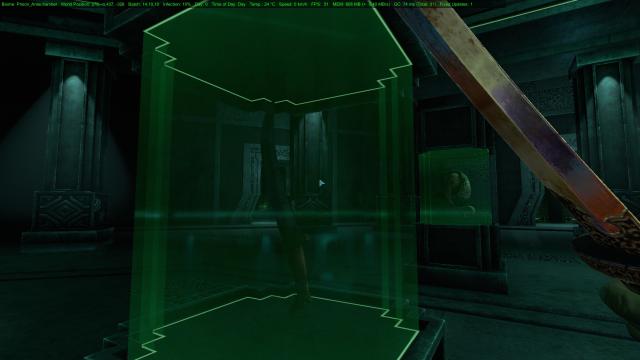
This mod will add an ancient blade crafted by Mother Earth herself to Subnautica. When you find it, you will be able to craft it in the fabricator.
- 1727
- 255
- 0
This modification will allow you to use Discord Rich Presence with the game Subnautica. In Discord, it will show which biome you are in, what transport you are using and how deep you are.
- 4239
- 834
- 0
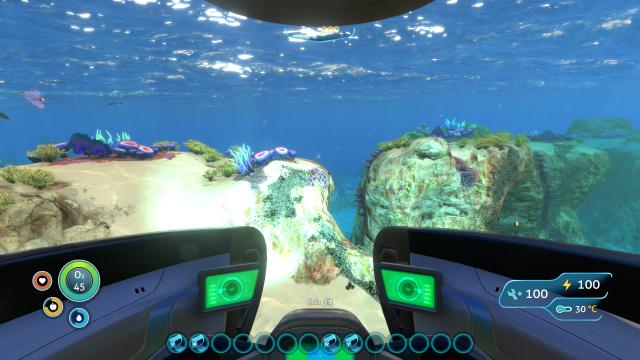
The Better Vehicle Storage mod will improve the storage modules for the Seamoth and the Prawn Suit in the game Subnautica. Now they can be used from inside the vehicle and can be attached to any slot. You can also increase the capacity of the modules using the modification station. There are 4 upgrades available: For the Seamoth: - Storage Module (Standard): 16 slots (4x4); - Storage Module Mk. 2: 32 slots (8x4); - Storage Module Mk. 3: 48 slots (8x6); - Storage Module Mk. 4: 64 slots (8x8); - Storage Module Mk. 5: 80 slots (8x10). For the Prawn Suit: - Without Module: 16 slots (4x4); - Storage Module (Standard): 24 slots (6x4); - Storage Module Mk. 2: 32 slots (8x4); - Storage Module Mk. 3: 48 slots (8x6); - Storage Module Mk. 4: 64 slots (8x8); - Storage Module Mk. 5: 80 slots (8x10).