
Mods

- 1481
- 306
- 0
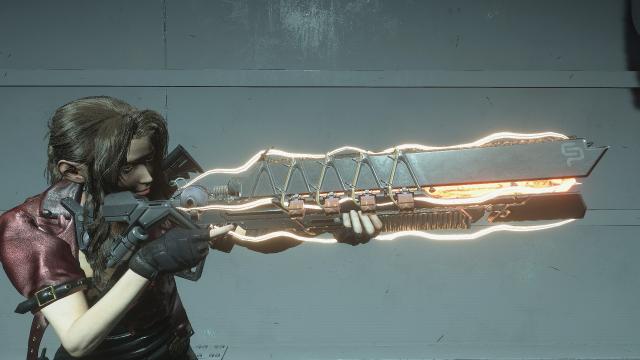
This mod adds the IKELOS shotgun from Destiny 2 with visual effects. It replaces the M3 shotgun. It has special sound and visual effects, as well as 14 skins.

- 2102
- 267
- 0
The mod adds a clothing set for Jill. There are 4 options available: 1. With Jacket (Type S) - Racing Jacket, Jeans, Reduced Set. Damaged Jeans. More complete figure; 2. Without Jacket (Type A) - Racing Shirt, Jeans, Full Set. Damaged Jeans and Shirt. More complete figure; 3. Without Jacket (Type B) - Racing Shirt, Jeans, Full Set. Damaged Jeans and Shirt. Full figure; 4. Without Jacket (Type C) - Racing T-shirt, Jeans, Full Set. Damaged Jeans and Shirt. Standard figure. Notes: When selecting option 1, Jill will be in a jacket as soon as she gets the gun in the alley, right after Brad leaves. The combat knife will not be properly displayed on Jill's waist for options 01, 02 and 03. So if you don't own a knife, don't select these options. The clothing damage (torn jeans and shirt) will be visible as soon as Jill reaches the hospital.

- 1814
- 284
- 0
Mode replaces Jill with Alice from the movie series. Installation 1. Install the mod manager FluffyGuack. 2. Copy Alice_By_DarknessValtier.rar to the \modmanager\Games\RE3R\Mods folder and activate the mod.

- 1801
- 228
- 0
Manager This mod replaces Carlos' skin with his classic look from the 1999 game. Installation through FluffyGuackManager.
- 2299
- 255
- 0
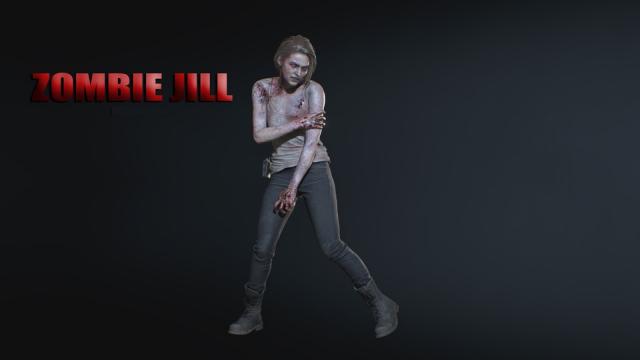
The mod for Resident Evil 3 changes Jill's standard appearance, turning her into a zombie.

- 1645
- 302
- 0
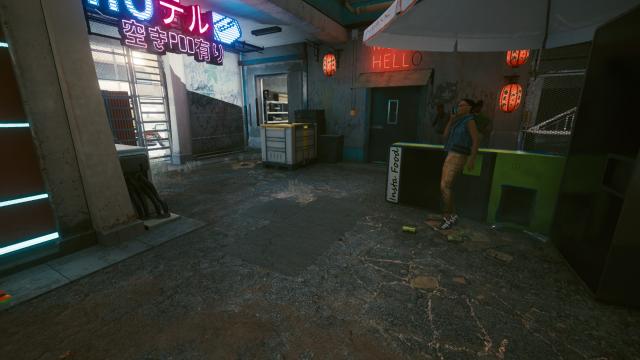
/inputUserMappings.xml. Convenient control settings for AZERTY keyboards: - Change F to Enter; - Change I to Tab; - Navigation in the menu: Z, Q, S, D; - Added camera movements with arrow keys (up, down, left, right). So you can look around without using the mouse. Installation: Insert the inputUserMappings.xml file in /Cyberpunk 2077/r6/config/inputUserMappings.xml.

- 1638
- 265
- 0
/input The Cyberpunk 2077 mod disables double-pressing of WASD keys for dodging and additionally assigns dodging to one key, such as Alt, etc. Installation: Drop the file from the archive into the folder: CyberpunkGameFolder/r6/config/input
- 4586
- 347
- 0
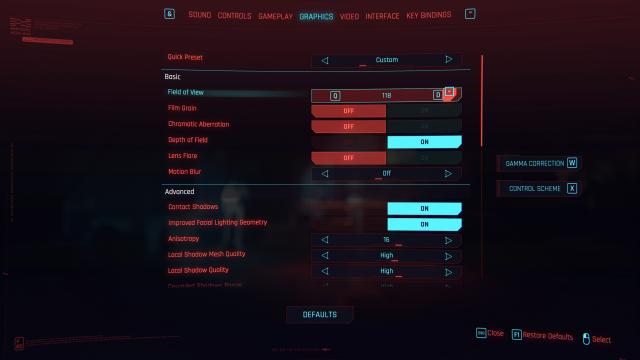
The mod changes the mouse sensitivity slider, allowing you to adjust sensitivity with precision of 0.1% instead of 1% from the vanilla game. In addition, change the FOV (Field of View) slider step to 1% instead of 5 and adjust the maximum FOV to 120. Extract the file from the archive and drop it into the folder: Cyberpunk 2077\r6\config\settings\platform\pc