
Mods

- 840
- 218
- 0
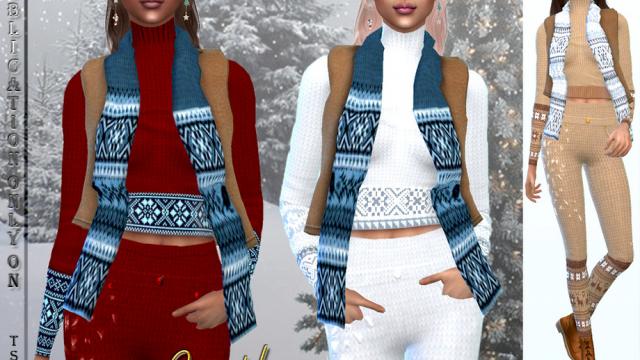
Women's Vest with Scarf for The Sims 4: - 6 color options.
- 1133
- 271
- 0
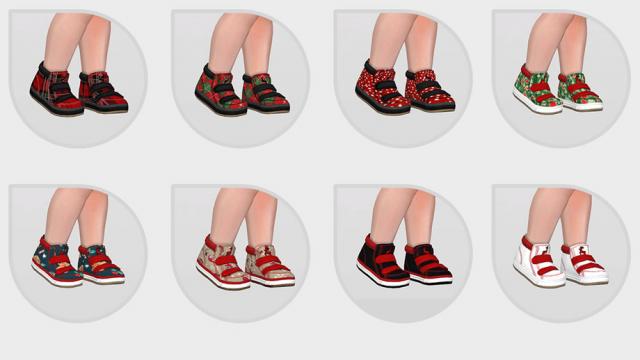
This mod adds Christmas shoes for The Sims 4: - 10 patterns; - Category: for toddlers; - Custom thumbnail; - Compatible with the base game.
- 953
- 196
- 0
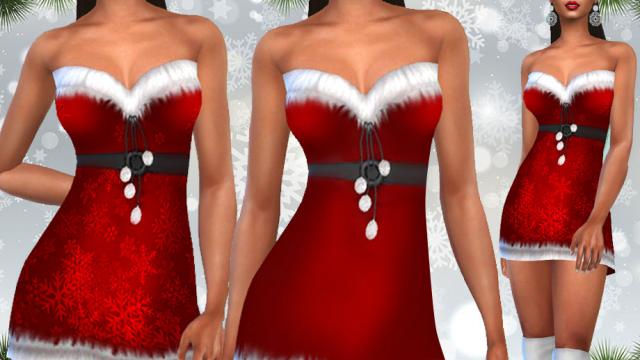
Women's Christmas Costumes for The Sims 4: - 2 Options.
- 1056
- 196
- 0
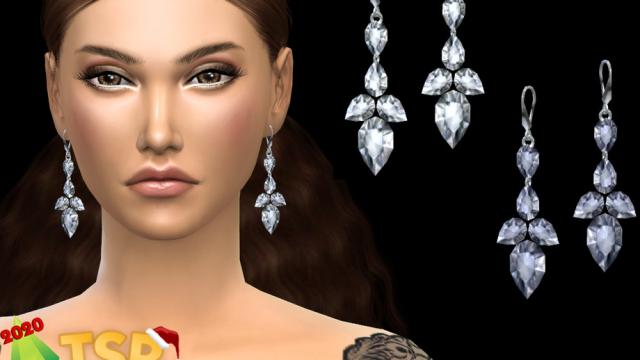
Earrings "Winter Tale" for The Sims 4: - 3 colors.
- 978
- 223
- 0
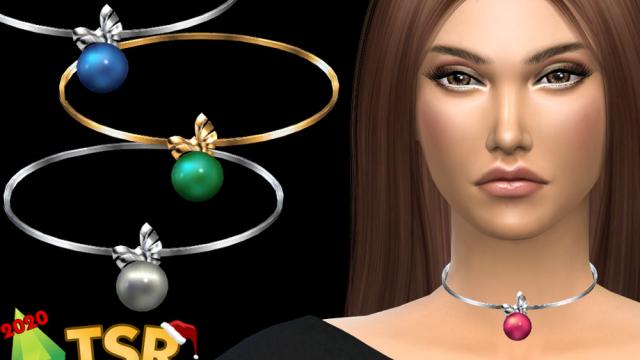
Necklace "Christmas Ball" for The Sims 4: - 6 colors.
- 911
- 219
- 0
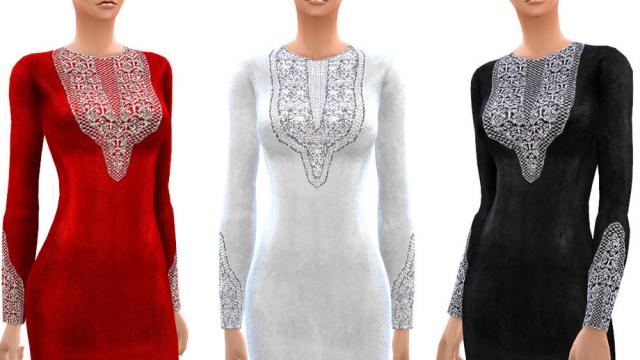
- Высокое качество текстур. - Совместимость с всеми игровыми пакетами. Silky dress with embroidery for The Sims 4: 8 different colors. High quality textures. Compatibility with all game packs.

- 2393
- 286
- 0
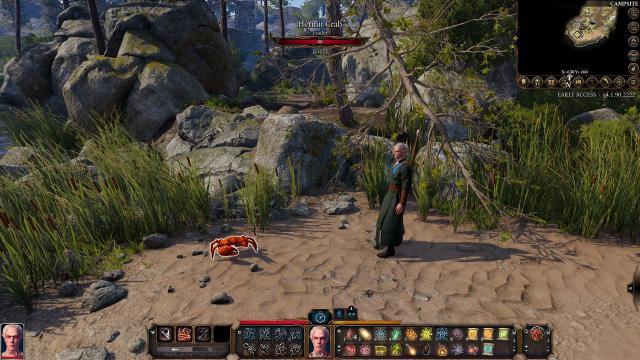
перед закрывающим тегом . 5. Запустите игру и включите мод в меню модов. Translation This mod adds a crab merchant to the camp. A nod to the mudcrab merchant from The Elder Scrolls III: Morrowind. The first time you trade with him, or when his stocks are replenished (after a long rest, level up, etc.), the loading will take significantly longer. Don't worry - this is normal. Installation 1. You must add the "Loose Mod" folder to the folder where the game files are located. For Steam C:\Program Files (x86)\Steam\steamapps\common\Baldurs Gate 3\Data. 2. Drop the file into Documents\LarianStudios\BaldursGate3\Mods 3. Open the modsettings.lsx file in the Documents\LarianStudios\BaldursGate3\PlayerProfiles\{Your profile}\modsettings.lsx folder (you can open it with Notepad or any text editor). 4. The downloaded archive contains a text file "Data for file". Just copy the contents and paste it into the modsettings.lsx file before the closing tag . 5. Start the game and enable the mod in the mod menu.

- 1637
- 254
- 0
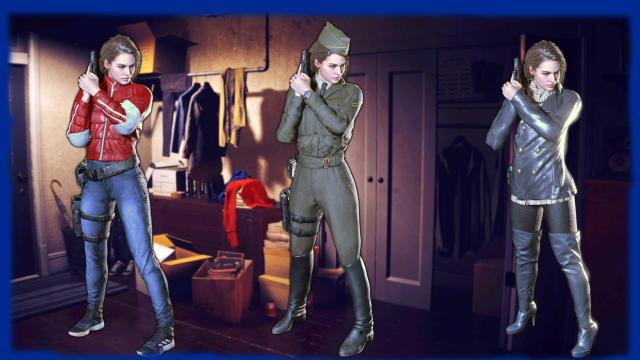
Mode adds new outfits for Jill. Installation through Fluffy Mod Manager.