
Mods


- 3380
- 690
- 0
Constellation Reshade improves the overall graphics of the game. Changes: - Improving the color scheme of the game; - Improved reflections; - General visual improvements. Installation: - Drop the downloaded files into the root folder of the game (where the .exe file of the game is located); - Install the Reshade program, if not already; - Run the Reshade program; - Select Starfield.exe; - Choose DirectX 10/11/12; - Click "Next"; - Wait for the installation to complete; - Start the game. Use in game: After successful installation, go to Starfield, press the End (Pg On) key to enable the basic functions of the preset. Press the Home key to open the menu (GUI).
- 1382
- 337
- 0
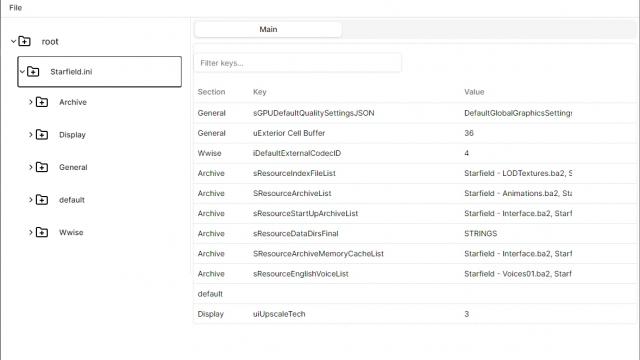
StarTweak is an application for Starfield designed to easily edit .ini files. Peculiarities: - Very convenient, intuitive interface; - Good functionality, many different options.

- 1370
- 412
- 0
In Starfield, the problem with auto-leveling of opponents has been preserved. Enemies gaining 20 health when they level up, causing them to absorb an unrealistic amount of damage at high levels, making combat boring. The mod fixes this by reducing the amount of health that enemies gain per level. The archive has several options to choose from. Installation: - Drop LessSpongyEnemies.txt into the root folder of the game; - Drop StarfieldPrefs.ini into Users\yourUserName\Documents\My Games\Starfield.

- 1612
- 609
- 0
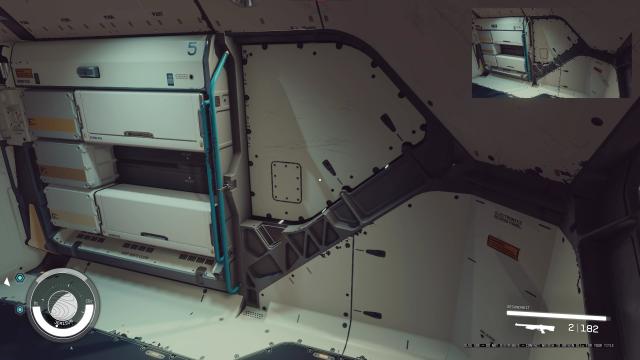
Mod for optimization in Starfield. Does not worsen rendering and graphics component, but gives a boost from 5 to 15% to FPS. Drop files from archive to the root folder of the game.
- 1388
- 632
- 0
Use DLSS or XeSS instead of built-in FSR2. Installation and use: - Download the archive, select DLSS or XeSS there; - Unzip the contents of the selected archive to the root folder of the game; - Download DLL depending on choice: DLSS and XeSS respectively (nvngx_dlss.dll or libxess.dll); - Drop the downloaded .dll file into the root folder of the game. Important! Leave FSR2 enabled in the settings!
- 1056
- 166
- 0
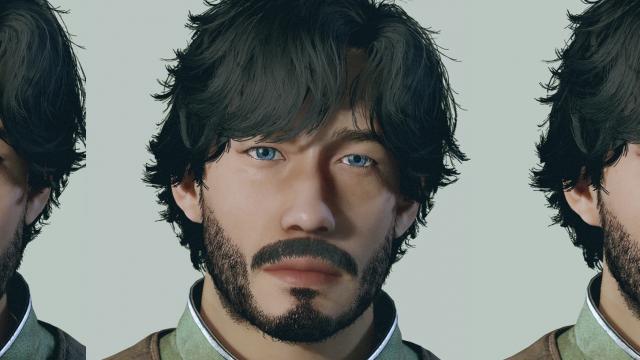
Improved eye textures in Starfield (HD). Let settings: Documents\My Games\Starfield
- 2279
- 224
- 0
- 1443
- 149
- 0
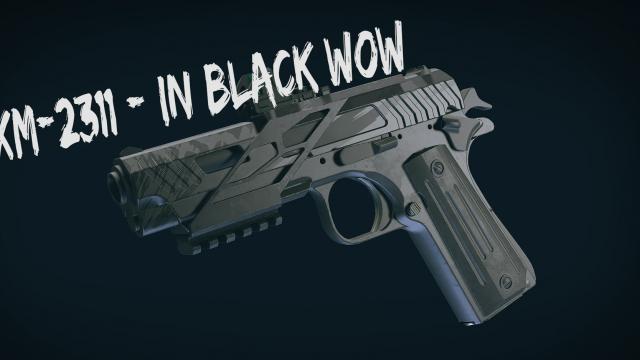
Recolor of the pistol XM-2311 (Old Earth Pistol) in black.