
Mods


- 2059
- 231
- 0
Replaces all magazines in Starfield with new ones with more sexy images.
- 4730
- 920
- 0
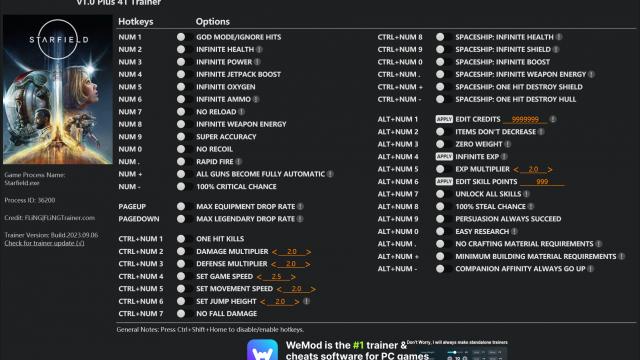
Trainer for Starfield with many features: - Immortality; - Infinite action points; - Instant killing of opponents; - Endless ammo; - Infinite carry weight; - Super jump; - And so on! Installation: - We throw the trainer in any convenient place. First we launch the trainer, then the game. In the game, click on the appropriate buttons to activate cheats.
- 1146
- 169
- 0
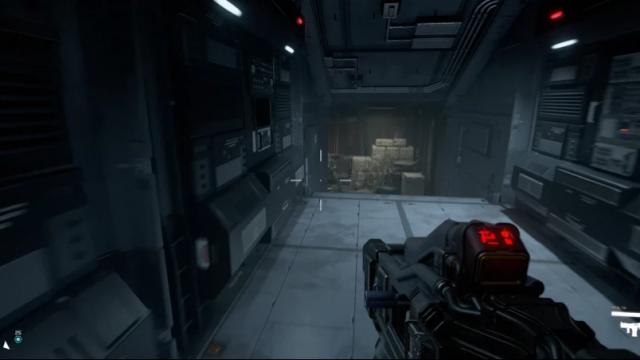
Adds the ability to slow down time by 25, 50 or 75% (choice in the archive). Control: - F2: enable slowdown; - F3: turn off slowdown. Installation: - Select one of three options and unpack along the path \Steam\steamapps\common\Starfield; - Place the StarfieldConsole.ini file (from the archive of the same name) along the path \Documents\My Games\Starfield, and do the same with StarfieldCustom.ini; - Launch and play. Hotkeys can be changed in the StarfieldConsole.
- 1836
- 215
- 0
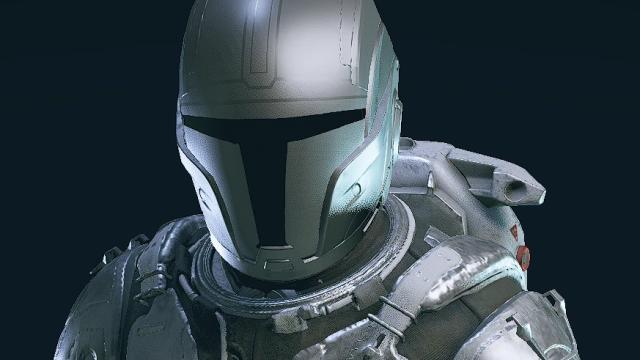
Replacer of the Mantis set in Starfield in the style of the Mandalorian set. Installation path: Documents\My Games\Starfield
- 1137
- 205
- 0
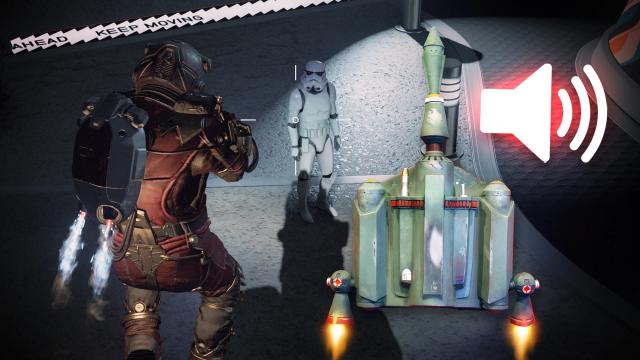
Replaces the standard jetpack (boostpack) sounds with the sounds of Boba Fett's jetpack from Star Wars.
- 2948
- 1044
- 0
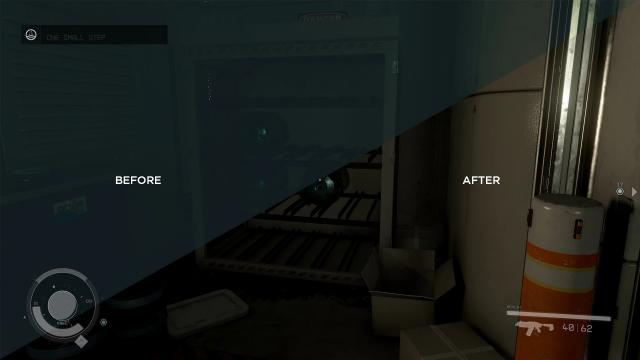
Removes all color filters, making the graphics in the game more natural. To install, install the basic StarfieldCustom.ini configuration, or write the lines manually: [Archive] bInvalidateOlderFiles=1 sResourceDataDirsFinal=
- 2317
- 1180
- 0
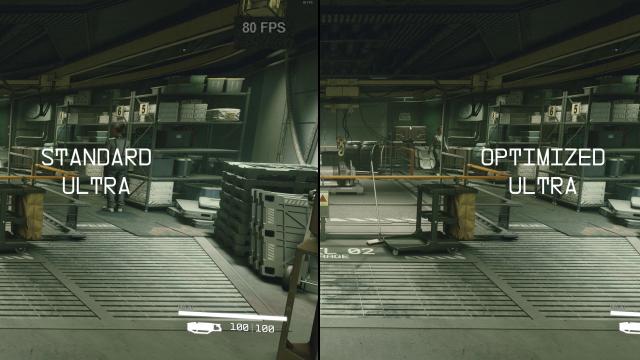
Too little FPS in Starfield? An optimization mod will fix this. There are 2 versions in the archive: for ultra graphics and low graphics, depending on your PC. That is, you will have to play exactly on the specified settings, depending on the choice. It does not affect the graphics in any way, but only optimizes the game, increasing performance. Installation and use: - Choose one of the options in the archive, open and drop the files to the root folder of the game (Steam/Steamapps/Common/Starfield); - Start the game, in the settings, switch between graphics settings. If you installed the Ultra version - first switch to low graphics, then switch to Ultra for the changes to take effect. If you chose the Potato Mode version, switch to ultra graphics, then change back to low graphics and enjoy the game with high performance.

- 2966
- 353
- 0
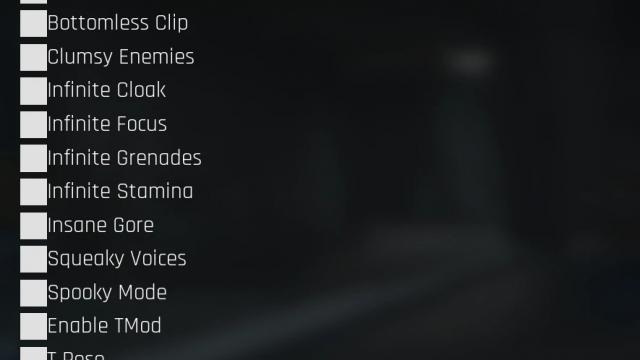
Allows you to easily access the built-in Trepang2 cheats without installing trainers. There are 2 more archives in the archive: the first (EasyCheats) - the mod itself, the second (Demo_Save) - 100% save with all unlocked cheats. Choose a convenient option. Method 1: - Unlocks access to cheats immediately after completing the prologue. Installation path: \Trepang2 Demo\CPPFPS\Content\Paks\. Method 2: - Save with 100% unlocked cheats. Installation path: %localappdata%\CPPFPS\Saved\SaveGames\.