
Cyberpunk 2077 Mods
Categories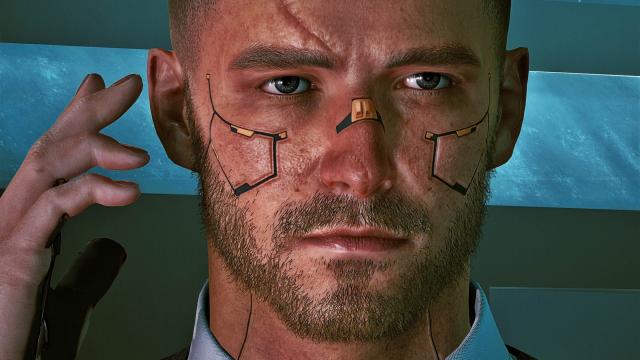

- 10224
- 679
- 0
Very beautiful preset for male V. Installation of the preset: - First install the save editor; - Then install this mod; - In the save editor, load your save, press Load Preset, and select this preset; - Done!
- 1643
- 257
- 0
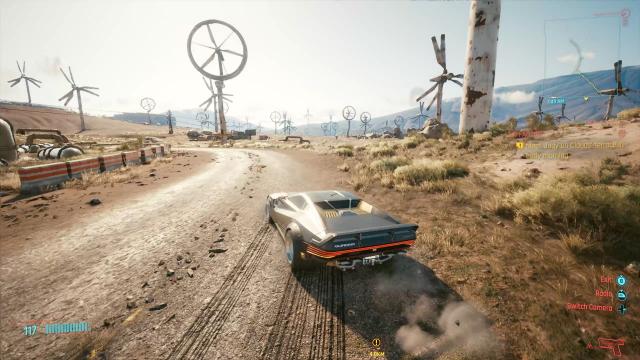
\ The mod for Cyberpunk 2077 increases the maximum speed of vehicles and makes the control much more pleasant. Installation path: Cyberpunk 2077\engine\config\platform\pc\

- 1561
- 250
- 0
Mode replaces background number 9 in photo mode with a new, green background. Now you can make very beautiful screenshots on a beautiful background.
- 1821
- 274
- 0
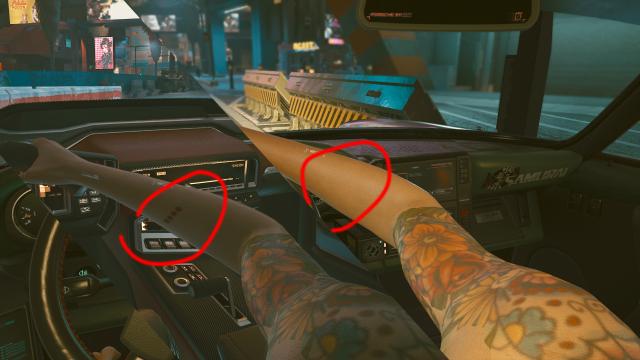
.exe Modification removes traces of injections. Installation path: archive\pc\patch.exe

- 2534
- 326
- 0
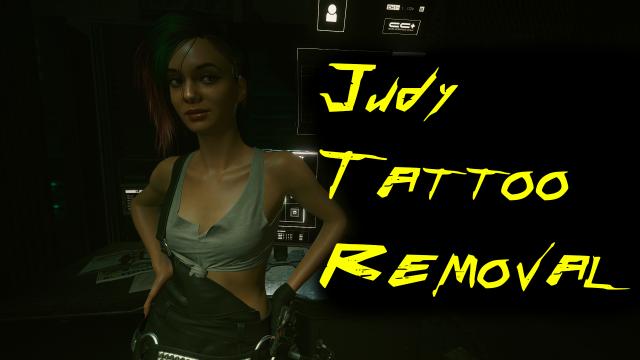
Does Judy have tattoos? You like her look, but want to see her without tattoos? A simple mod for Cyberpunk 2077 removes her tattoos. Installation: - Drop the file basegame_mod_judy_no_tattoos.archive to the path archive/pc/patch; - If there is no patch folder - just create it.

- 1969
- 278
- 0
- 3165
- 649
- 0
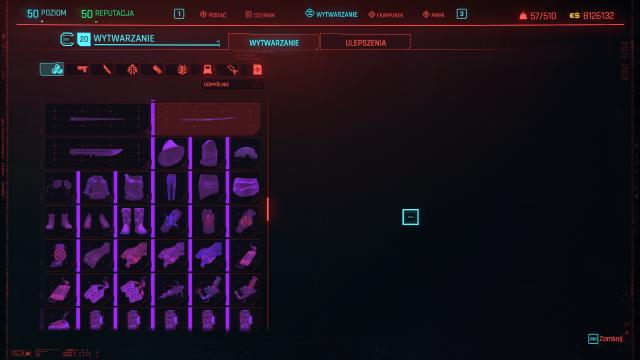
Simple mod gives you all the blueprints and recipes. You can also get recipes from mods. Usage and installation: - Drop the file to the path Cyberpunk 2077\bin\x64\plugins\cyber_engine_tweaks\mods; - Go to the game, open the console; - Enter dofile("recip.lua"); - Press Enter; - Done!