
Cyberpunk 2077 Mods
Categories

- 2197
- 355
- 0
\ Mode for Cyberpunk 2077 changes hairstyle number 01 to the hairstyle "Pigtail". Installation path: \SteamLibrary\steamapps\common\Cyberpunk 2077\archive\pc\patch\
- 1894
- 240
- 0
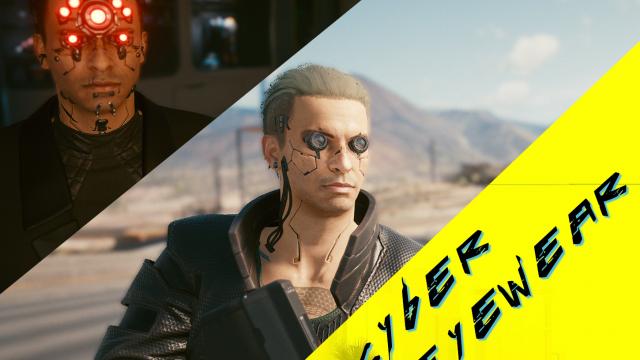
Installation: Place the "Archive" folder in the root Cyberpunk 2077 folder ("C:\Program Files (x86)\Steam\steamapps\common\Cyberpunk 2077") Open the game console and type: Game.AddToInventory("Items.Rockerboy_01_Set_Glasses",1) Or just buy any aviators in the store. Author recommends using: - Eyes 20 - Eye Makeup 7 (black color). Other options have a chance of incorrect implant display. Notes: The archive contains several archives with different variants of glasses. You can add several.
- 3470
- 268
- 0
- 2407
- 304
- 0
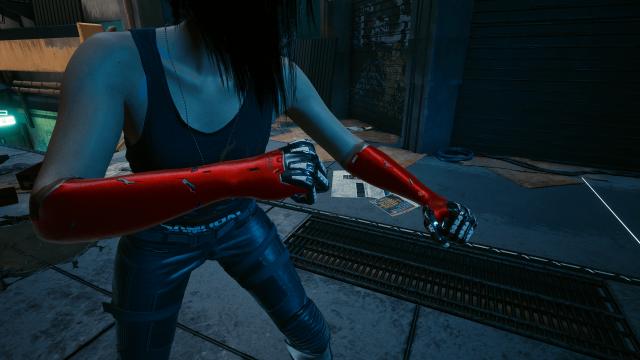
Mode changes the textures of the "Gorilla Hands" implant to red instead of skin tone.
- 4986
- 310
- 0
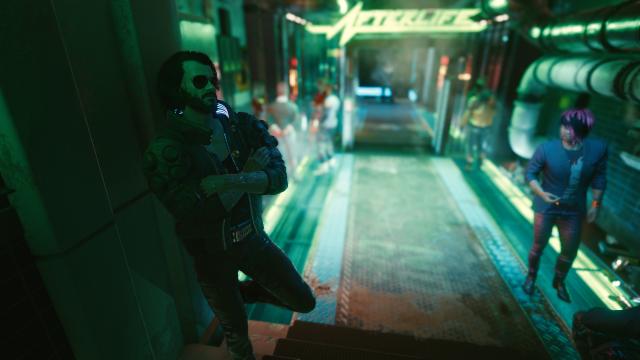
Do you want to make your V as close to Johnny Silverhand as possible? Here is his preset. Now you can become the real Keanu Reeves in Cyberpunk 2077. The preset is installed through the save editor.
- 4476
- 354
- 0
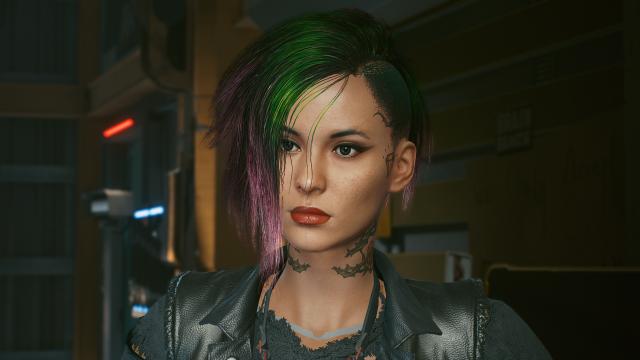
Another preset of beautiful Judy in Cyberpunk 2077. To download the preset, use the save editor.
- 2948
- 597
- 0
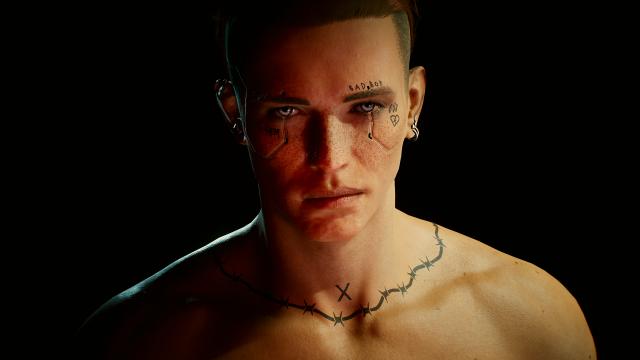
A mod for Cyberpunk 2077 adds face tattoos: BadBoy and BadGirl, for male and female characters respectively. Tattoo number 11 is changed. The BadBoy version is the main file. BadGirl can be downloaded in additional files. Installation: - Files from the archive are thrown into the game's root folder. <p>A mod for Cyberpunk 2077 adds face tattoos: BadBoy and BadGirl, for male and female characters respectively. Tattoo number 11 is changed. The BadBoy version is the main file. BadGirl can be downloaded in additional files.</p> <p>Installation:</p> <ul> <li>Files from the archive are thrown into the game's root folder.</li> </ul>
- 4953
- 354
- 0
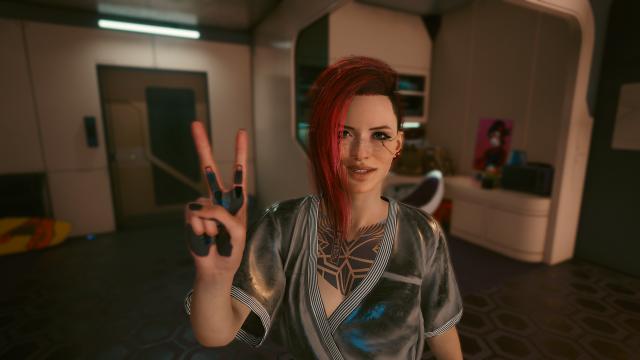
Beautiful preset created based on the character Judy from Cyberpunk 2077. Installation of the preset through the save editor (see requirements section).