
-
Games
Total materials on the site: 32130View all games 279
-
Cyberpunk 2077
-
Mods
13 with 409 for Cyberpunk 2077
Gameplay mods for Cyberpunk 2077


- 1835
- 236
- 0
Well-optimized inventory with accelerated functionality: crafting, upgrading, disassembling items, equipping.
- 3486
- 672
- 0
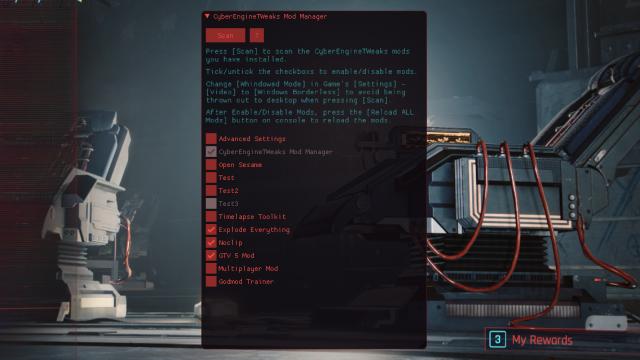
- Запускаем игру. A convenient tool that allows you to enable and disable mods related to Cyber Engine Tweaks directly in the game. Usage: - Press CTRL + Shift + C to open the menu in the game; - Press Scan to scan and find installed mods; - That's it - now you can enable and disable mods. Installation: - Drop the folder from the archive to the path \Cyberpunk 2077\bin\x64\plugins\cyber_engine_tweaks\mods\. - Launch the game.
- 2646
- 795
- 0
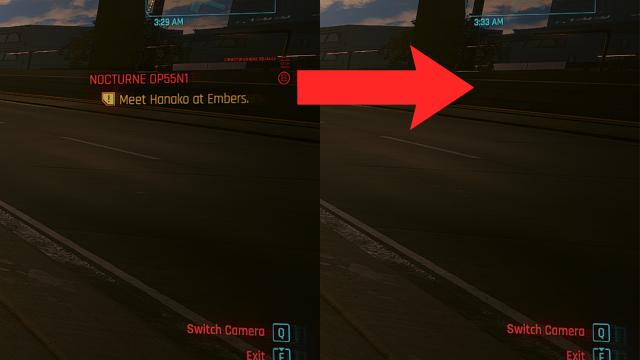
Simple mod allows you to stop tracking the current quest just by pressing the Backspace key. Settings: - Cyberpunk 2077\bin\x64.
- 2114
- 319
- 0
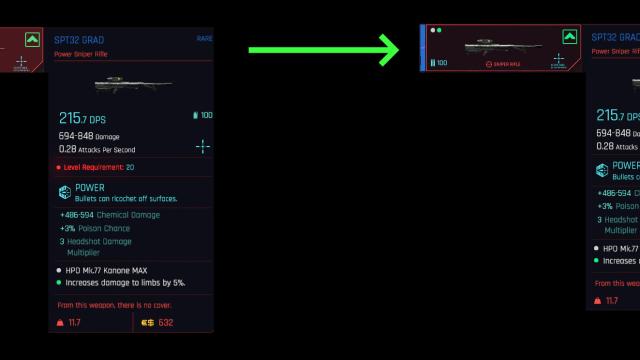
A mod for Cyberpunk 2077 removes the equipment requirements to the player's level, so you can use any gear at any level.

- 3430
- 1218
- 0
Modification opens closed areas of Night City so you can fully explore the locations. Installation: - Drop the Unlock NightCity folder to the path \Cyberpunk 2077\bin\x64\plugins\cyber_engine_tweaks\mods\; - Launch the game.
- 1751
- 265
- 0
A mod for Cyberpunk 2077 disables the automatic camera centering when driving (for TPP or FPP modes).
- 1589
- 239
- 0
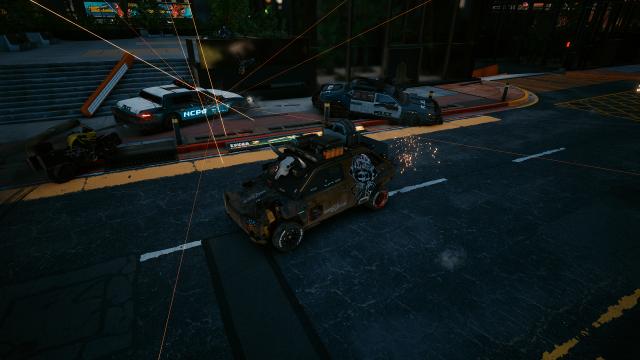
A mod for Cyberpunk 2077 makes it so that police can use random police cars. Installation Path: - Cyberpunk 2077\r6\scripts\policeVehicles
- 1319
- 200
- 0
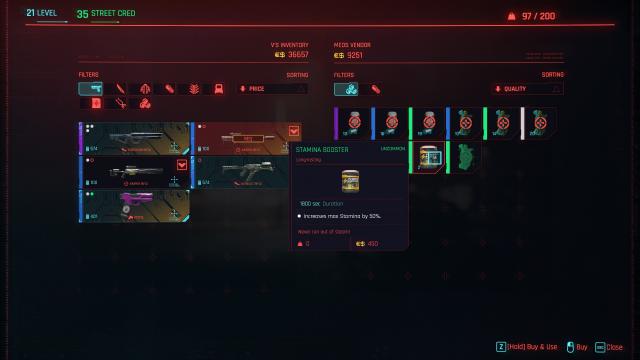
As the name suggests, the mod for Cyberpunk 2077 allows you to instantly use items (consumables) after payment. Thus, you no longer need to constantly search for items in your inventory. Installation: - Download and install Redscript; - Download this mod, throw the R6 folder into the game's root folder; - Enjoy!