
-
Games
Total materials on the site: 32130View all games 279
-
Cyberpunk 2077
-
Mods
13 with 409 for Cyberpunk 2077
Gameplay mods for Cyberpunk 2077

- 1332
- 241
- 0
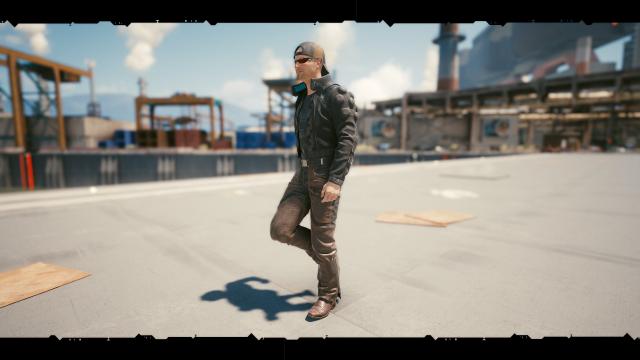
/gameplay/ и перезапустить игру. Translation: Walking Button: Alt Installation: Drop the file into the Cyberpunk 2077/r6/config/gameplay/ folder and restart the game. This mod adds the ability to walk instead of constantly running like a child.
- 1531
- 257
- 0
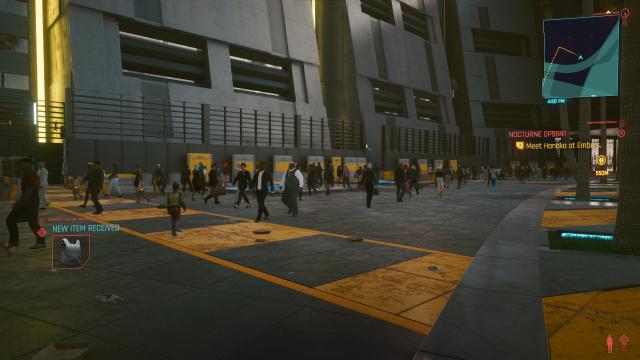
VehicleSeparationSpeed = 2.000000 The mod for Cyberpunk 2077 changes the behavior of crowds on the streets, making it more realistic. Installation: Create a file named user.ini in Cyberpunk2077\engine\config\platform\pc and paste the following lines into it:
- 1649
- 223
- 0
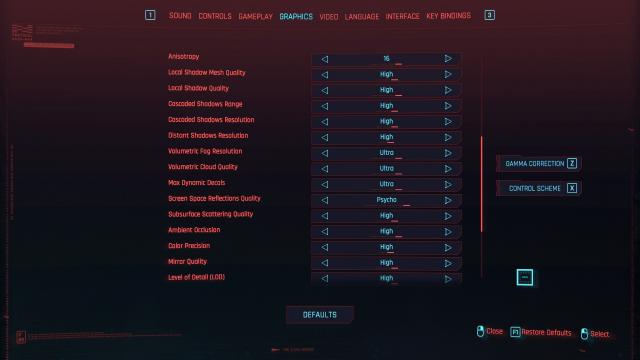
Описание: This mod reconfigures the right mouse button to cancel/exit menu in Cyberpunk 2077.
- 2174
- 260
- 0
Mod for Cyberpunk 2077 fixes the situation when you can accidentally miss a dialogue when trying to sit down. Installation: 1. Add the file to the Cyberpunk 2077\r6\config folder 2. Make a backup of the original inputUserMappings.xml 3. Replace the original inputUserMappings.xml with the downloaded file
- 5223
- 643
- 0
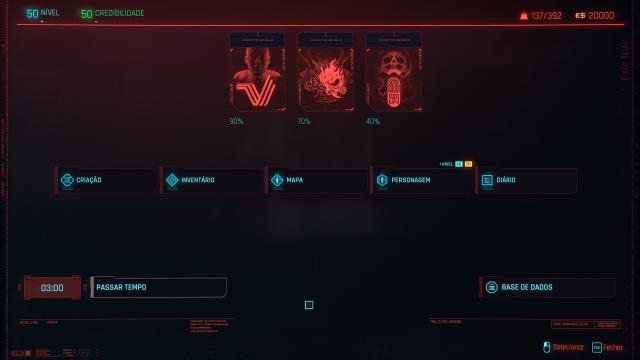
/ The Cyberpunk 2077 mod adds a save before the secret ending. On the roof of the building during the conversation with Johnny. Installation: Drop the file to the path - C/Users/Username/Saved Games/CD Projekt Red/Cyberpunk 2077/
- 2690
- 614
- 0
A mod for Cyberpunk 2077 adds a new trainer created by FLiNG. It contains all the main features such as infinite health, ammo, no recoil and super accuracy.
- 1605
- 210
- 0
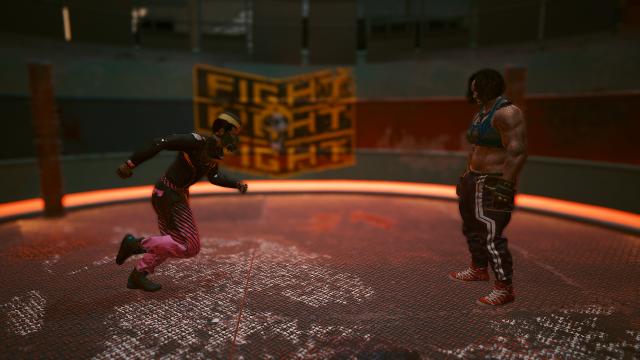
The Cyberpunk 2077 mod improves close combat. A more realistic reaction that emphasizes your true abilities. The mod consists of a small modification of the configuration of the character movement control elements to give a more realistic feeling of V's body reaction. Installation: 1. Extract the file; 2. Drop it into the game folder confirming the replacement.
- 1614
- 301
- 0
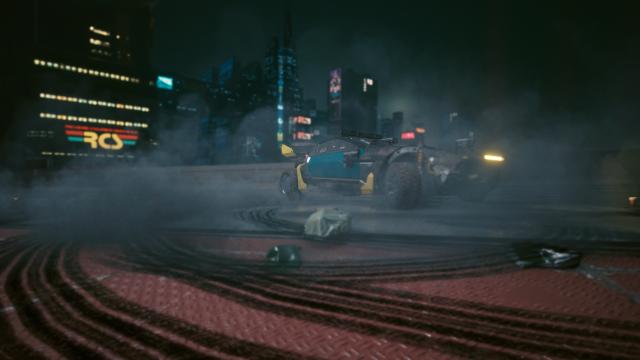
\vehiclehandling.ini The mod for Cyberpunk 2077 makes driving more precise and realistic. This mod is aimed at fixing the lack of control over the transport. Installation: 1. Unpack the archive; 2. Drag the file into the main Cyberpunk 2077 folder. Removal: Delete the file from the folder Cyberpunk 2077\engine\config\platform\pc\vehiclehandling.ini\Cyberpunk 2077\engine\config\platform\pc\vehiclehandling.ini