
-
Games
Total materials on the site: 32130View all games 279
-
Stardew Valley
-
Mods
15 with 407 for Stardew Valley
Mod Stardew Valley Gold version 1.0.0 for Stardew Valley 1.6.8
- 1214
- 235
- 0
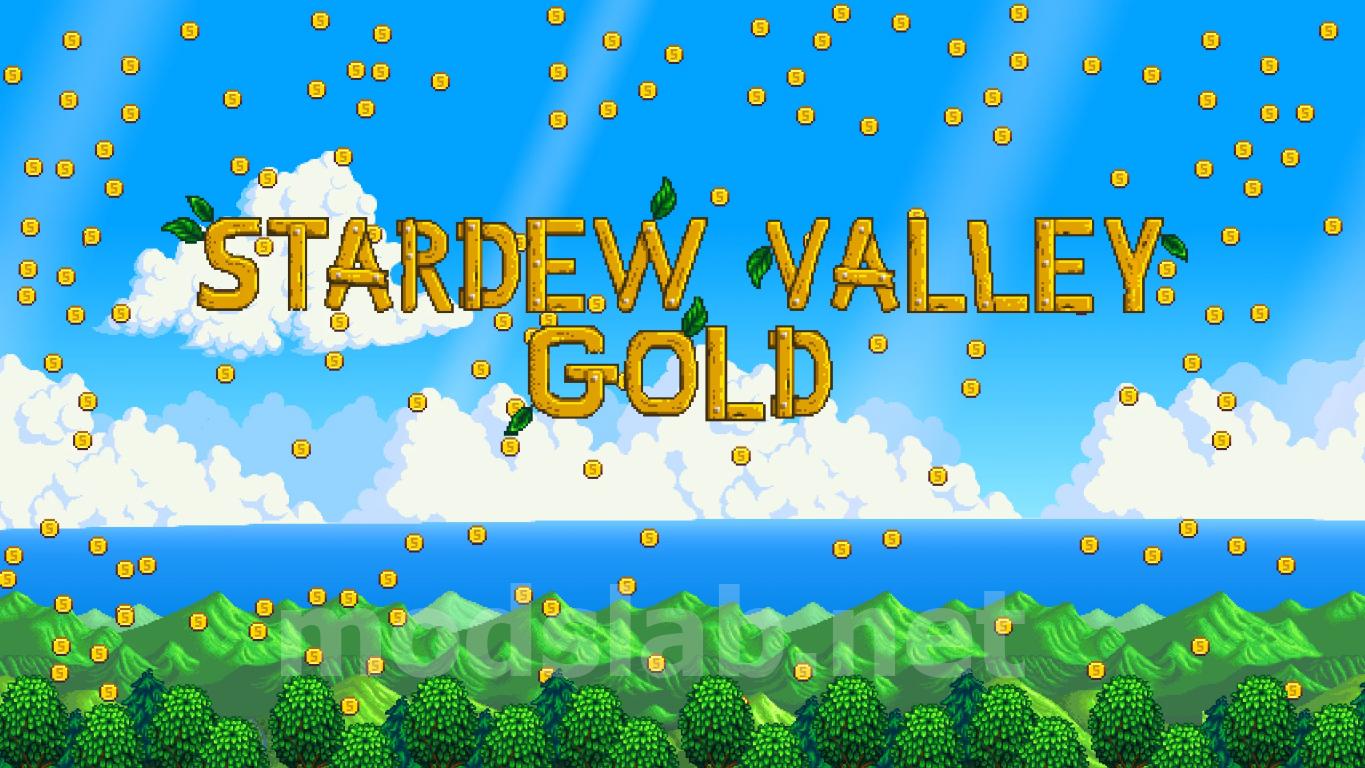
With this mod, you can add or remove money from your balance at the touch of just one button or according to a set schedule! Deleting a specific amount or percentage of money every day, week, season, or year, as well as using a hotkey, is a great way to complicate the game in the later stages. On the other hand, to make the game easier in the initial stages.
Description
Stardew Valley Gold is a cheat. It requires SMAPI (version 3.0.0 or higher) and was designed for use with Generic Mod Config Menu (version 1.12.0 or higher), but can be used without it. All mod settings are saved separately for each farm. This means that you can make one farm richer and another poorer. This mod does not make changes to your save files, so it can be safely installed or deleted at any time during the game. The mod is also compatible with multi-user farms.
Multi-user mode
The mod is compatible with multi-user farms, both local (split screen) and online. However, the mod will only work if you are the owner of the farm. Only the owner needs to install the mod. Connected players don't need the mod. If total revenue is included, all players will receive money when the host receives money. If the total income is disabled, only the owner will receive the money. If you have a mod installed, but you are not the owner, the mod will not work. You will not receive money, regardless of the settings, if you are a connected player. At the moment, only the owner sees messages on the screen related to money. Connected players see a change in the amount of money if total revenue is enabled, but they don't see the messages.
Installation
Install the mod manager of your choice or install the mod manually, like most other mods, by placing the StardewValleyGold folder in your Mods folder. This is usually on the way...\Stardew Valley\Mods. This is common for Steam users...\Steam\steamapps\common\Stardew Valley\Mods.
Deleting
Since the mod does not make changes to the save files, it can be deleted at any time during the game. You can delete the mod through your mod manager or simply delete the StardewValleyGold folder and all its contents from your folder...\Mods.
Setup
For users of the Generic Mod Config Menu:
After starting the game, you can adjust the global mod settings on the title screen (before loading the saved game). Inside the game, you can customize the mod for each farm separately. The mod is enabled for each farm separately, so you need to enable the mod in the game for each farm where you want to use it.
For users who do not use the Generic Mod Config Menu:
You need to launch Stardew Valley and upload your save with the mod installed at least once. After that, exit the game and go to the folder...\Stardew Valley\Mods\StardewValleyGold\Data, where you will find the Global_Settings file.json and the settings file for your farm. Open both files in a text editor (for example, notepad, notepad++ or sublime text) and change the values as you wish. You need to set the AllowanceEnabled flag to TRUE, as well as at least one of the flags associated with the schedule (for example, GrantAllowanceTue) to TRUE or set the GrantAllowanceOnKeyPress flag to TRUE. Then restart Stardew Valley and start using the mod. Please note that these steps need to be repeated for each new farm where you want to use the mod.
Compatibility
The mod should be compatible with all other mods, but there may be problems with use if you use a modified version of the Generic Mod Config Menu or a mod that modifies the Generic Mod Config Menu. Otherwise, there should be no problems with other mods, even those that add money.
Generic Mod Config Menu - v1.12.0 или выше
Similar mods


- 7743
- 839
- 0
Villagers Anime Portrait - another mod with new anime looks for characters. Some characters change beyond recognition.
- 5726
- 1167
- 0
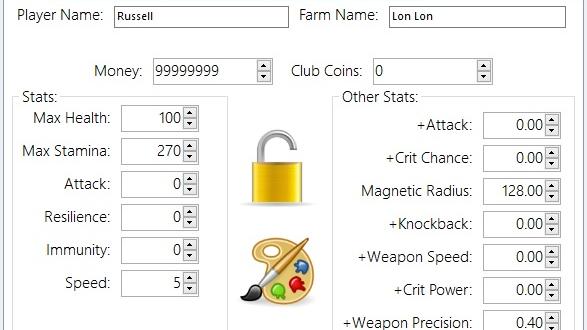
The modification adds the Stardew Valley Save Editor file editor. The editor's features: - Change maps; - Change or add items to the inventory; - Change the appearance of the character; - Add and change available crafting recipes; - Change the main characteristics of the character; - Some other useful functions. The editor is easy to control, before working we recommend saving a copy of the file you will be editing.
- 3270
- 742
- 0
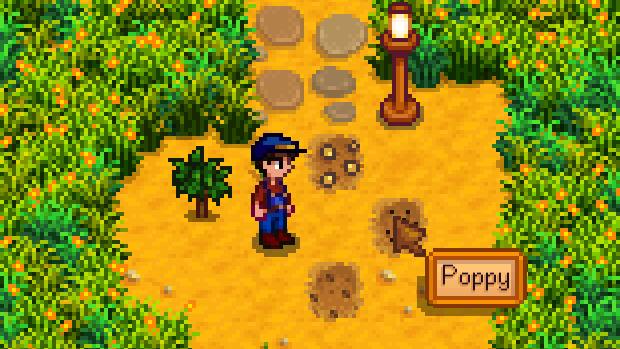
Determine the crops and fruit trees on your farm. The Simple Crop Label mod adds a pop-up tooltip to Stardew Valley that identifies crops and fruit trees when you hover over them with your cursor.
- 7228
- 1074
- 0
With the Babies Take After Spouse Plus New Toddler Hair and Clothes mod you can change the look of children in Stardew Valley so that they look more like their parents. The modification allows you to choose hairstyles, clothes, hair color if you don't like the ready-made models that are in the archive.
- 5099
- 496
- 0
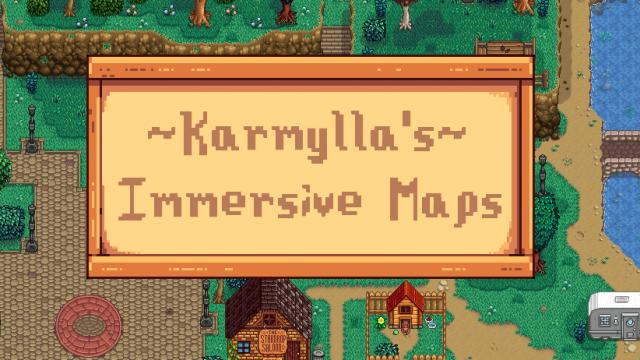
Before you is Karmylla's Immersive Maps global mod for the game Stardew Valley. It is a pack with new locations, characters, maps, dialogues, quests. Many reworked visual effects.
- 3116
- 761
- 0
Entoarox Framework mod is a utility for Stardew Valley that will help simplify the codes of other mods, thus reducing the number of bugs and the size of files. It works in tandem with SMAPI - Stardew Modding API.
- 3789
- 919
- 0
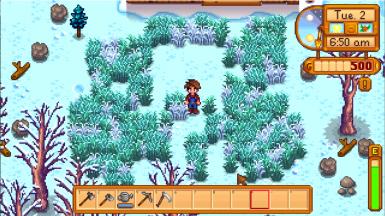
By default, with the Winter Grass mod for Stardew Valley, the grass stops growing in winter, thus "surviving" during this period. Values can be changed in the config.json file.
- 5849
- 1704
- 0
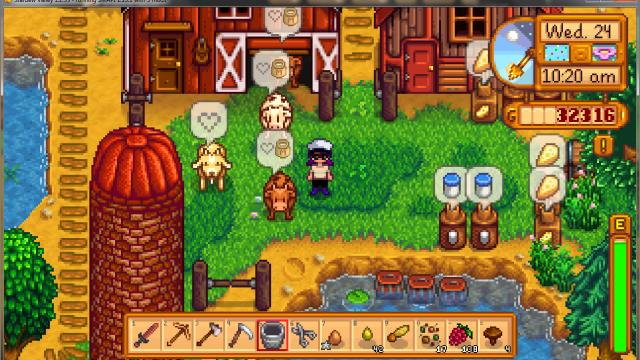
Better Ranching – a mod for farmers in the game Stardew Valley. With it, hints will pop up over your animals when they need to be milked or sheared, in general, resources will be collected from them.
Rules for writing comments. For non-compliance - ban!
- Use of profanity (mat) in messages
- Communication is not on the topic of the material
- Any insults of other participants, including the author of the material
- Writing messages in whole or in part in CAPITAL letters (Caps Lock)
- Expressing your opinion without supporting it with arguments
- The use of links to third-party sites, or the use of images/videos/other content containing the aforementioned links
Messages that violate these rules will be deleted, and malicious violators - deprived of the ability to add comments on the site!