
-
Games
Total materials on the site: 32130View all games 279
-
Stardew Valley
-
Mods
15 with 407 for Stardew Valley
Gameplay mods for Stardew Valley

- 3086
- 370
- 0
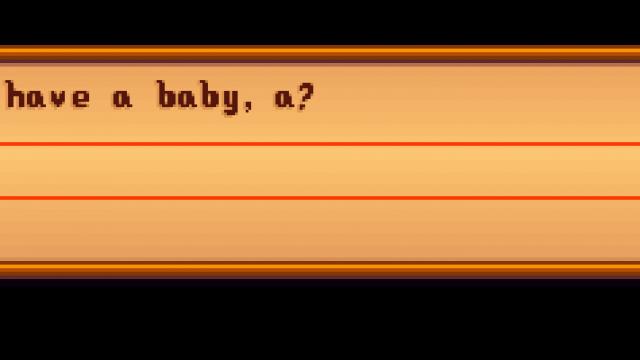
Setting The setting is done through the config.json file in the mod directory. The "QuestionChance" parameter is responsible for the probability. Console Commands - setbabychance: sets the chance of a baby appearing; - getbabychance: shows the current chance of a baby appearing. Installation - Install the latest version of SMAPI; - Install and unpack the mod in the Stardew Valley/Mods directory; - Launch the game through SMAPI.
- 2039
- 266
- 0
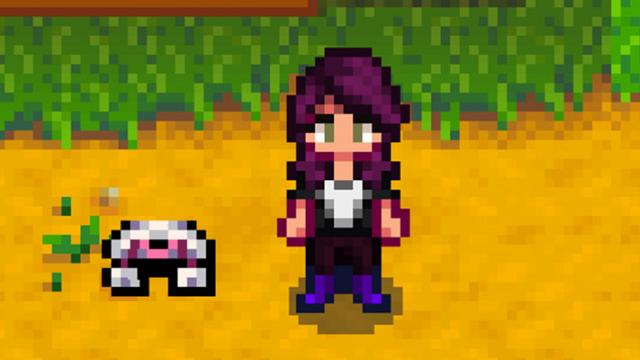
This mod for Stardew Valley adds a battle drone that will protect you from monsters in dungeons. You can turn the robot on and off. Configuration Configuration is done through the config.json file in the mod folder: - "Active": default state; - "KeyboardShortcut": button to turn the robot on and off; - "RotationSpeed": rotation speed; - "Damage": damage done by the drone; - "ProjectileVelocity": drone speed.
- 1853
- 308
- 0
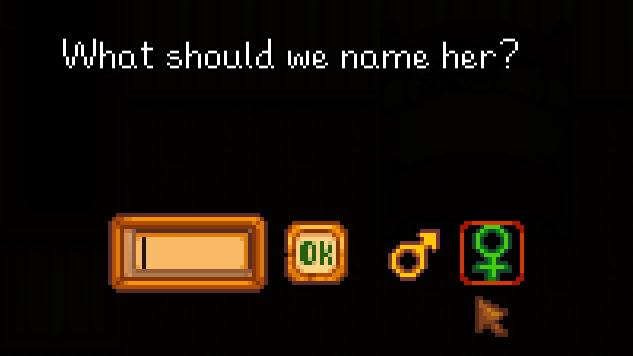
This mod for Stardew Valley allows you to choose the gender of the child that is about to be born.
- 1695
- 240
- 0
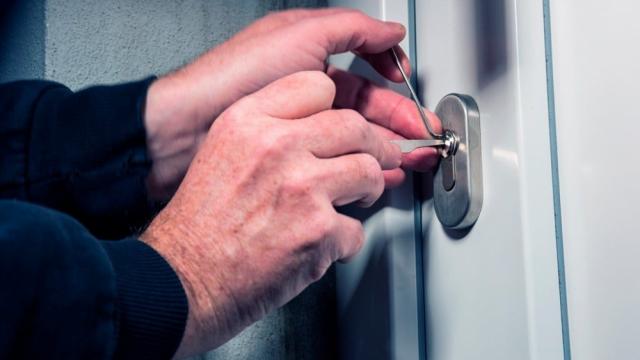
This mod for Stardew Valley adds a little bit of criminal activity to the game, namely - lockpicks for lockpicking. Features - Works in multiplayer; - Multilingual! The mod should support any language supported by the game. Currently, machine translation is used, which may lead to inaccuracies; - Lockpicks work on most doors; - After lockpicking the lock will remain open for all players; - Lockpicks have a very small chance of breaking during lockpicking. Installation and how to get lockpicks - Install JSON Assets latest version; - Unpack the mod archive to the /Stardew Valley/Mods/ folder; - Buy lockpicks from Krobus; - When the lockpick is in your inventory, interacting with a closed door will open the lockpicking window.
- 1518
- 277
- 0
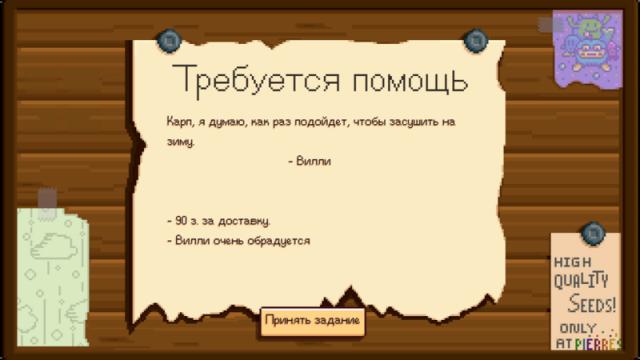
Installation - Install the latest version of SMAPI; - Download the mod and unzip it into the Stardew Valley/Mods folder; - Launch the game through SMAPI. How to use Press "H" to open the temporary quest window. In the config.json file in the mod folder you can change the hotkey to open the temporary quest window. Attention! The config.json file appears after the first launch of the game with it! Compatibility - Works with Stardew Valley 1.2 and 1.3 beta; - Works in single and multiplayer game; - No conflicts with other mods detected.
- 1514
- 290
- 0
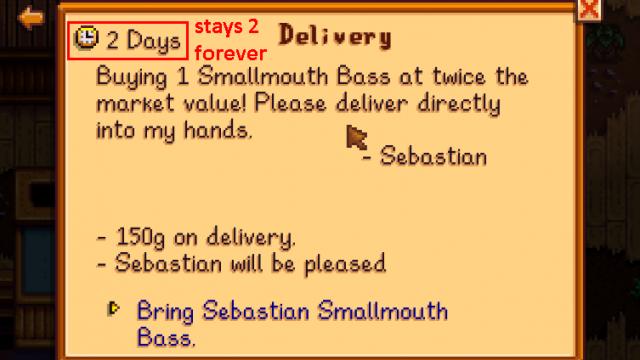
This mod for Stardew Valley removes the delay on completing daily quests. Attention! It may be cheating!
- 2869
- 361
- 0
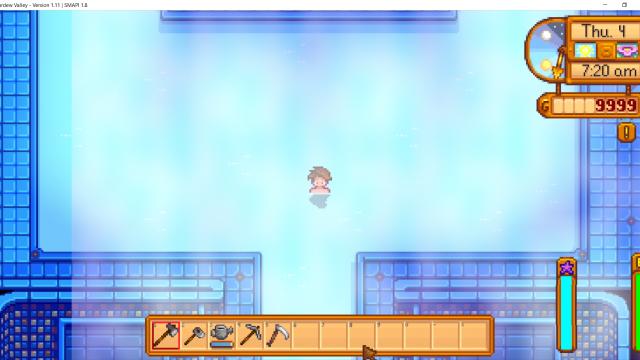
This mod for Stardew Valley stops the in-game time when you are inside buildings. Also, you can enable time stop in certain locations. Installation - Install the latest version of SMAPI; - Unzip the mod folder into Stardew Valley/Mods; - Launch the game with SMAPI. Usage Time will be stopped in certain locations. By default, time will continue to pass while swimming. Configuration The configuration is done using the config.json file, which you will need to open with a text editor (e.g. Notepad++). To configure time stop and normal time flow in locations - find the desired location in the configuration file and set the value to true for time stop and false to disable time stop in the location. To enable time flow underground you need to set the "UndergroundMine" field to false.

- 1320
- 269
- 0
This modification for Stardew Valley makes bouquets dependent on the season. So in winter, summer, spring and autumn the bouquets will be different from each other.