Resident Evil 3 Mods
Categories

- 1404
- 219
- 0
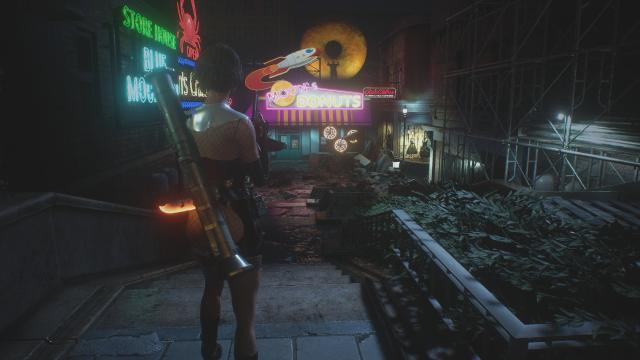
ini; - Запустите игру и нажмите клавишу «Shift + F2», чтобы открыть меню ReShade; - Выберите пресет IcecreamFX и нажмите «Применить». Installation: - Download and install ReShade; - Copy the ReShade-Shaders folder to the main game directory along with the IcecreamFX.ini file; - Launch the game and press "Shift + F2" to open the ReShade menu; - Select the IcecreamFX preset and press "Apply".
- 1980
- 321
- 0

- 1353
- 229
- 0
- 1631
- 249
- 0
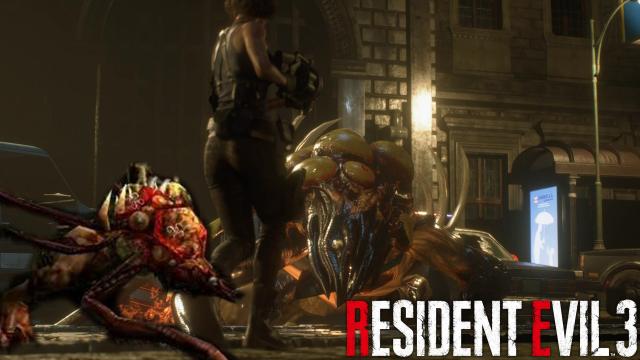
The mod changes the view of Nemesis into an equally ghastly spectacle. Installation: - Using the mod manager FluffyQuack.
- 1274
- 230
- 0
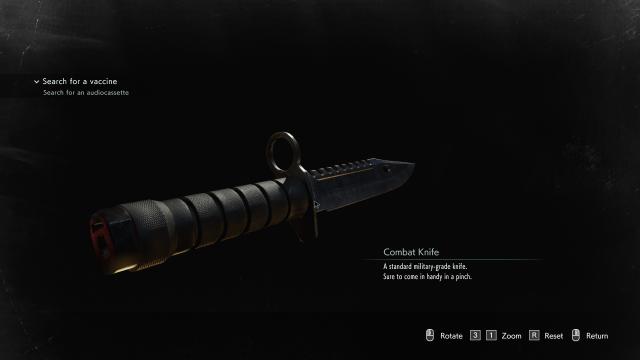
меняем рукоятку штык-ножа на черный цвет. Лезвие остается прежним.
- 1688
- 258
- 0
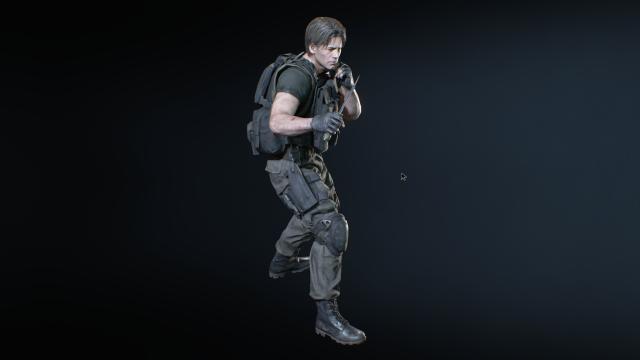
мод незначительно изменяет внешность Карлоса. Installation: - With the help of Fluffy Manager 5000, the mod slightly changes Carlos' appearance.