
Mods

- 2153
- 283
- 0
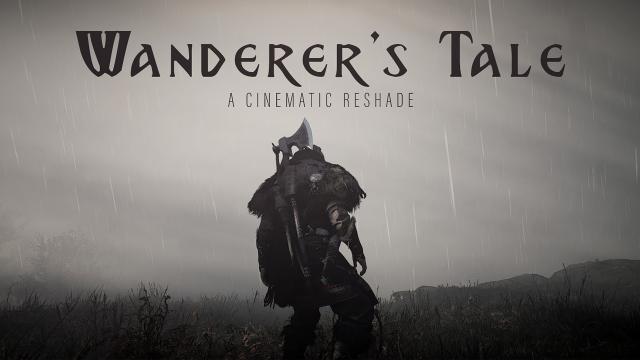
Cinematographic ReShade mod for Assassin's Creed Valhalla is great for beautiful screenshots, and for completely different game experiences. Installation: - Install ReShade 4.8.2 program; - Download the preset from here; - Transfer the preset to the game folder; - Enter the game; - Open the ReShade menu and select the corresponding file.
- 1849
- 382
- 0
This mod for Assassin's Creed Valhalla will replace the initial Ubisoft, Anvil, Ryzen and save logo intro/logo with a one-second video with a black screen. The initial logos take 30 seconds of your time, while this one only takes one second. Installation: - Find the game folder (C:/Ubisoft/Ubisoft Game Launcher/games/Assassin's Creed Valhalla/); - Drop the folder videos from the archive into the game folder; - Agree to replace.
![[Suzue] - [Suzue] Cross Earrings 17.11.20](/files/mods/the_sims_4/e925bE9aDK/img1pre.jpg?)

- 1402
- 239
- 0
This mod adds cross earrings for The Sims 4: New meshes; 6 patterns; For female and male; For all ages; Compatibility with HQ.
- 1033
- 261
- 0
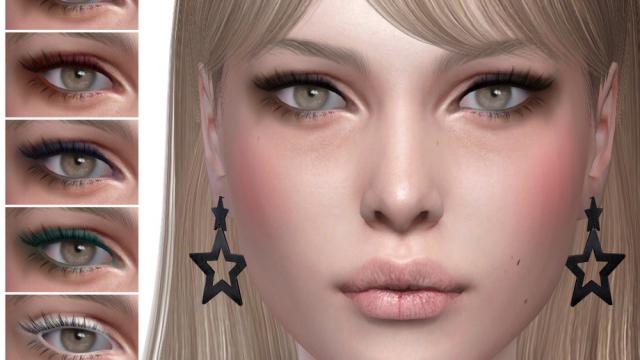
Modification adds a new twist to The Sims 4: - For female Sims; - For all ages; - 6 patterns; - User sketch; - Compatible with HQ.
- 1383
- 269
- 0
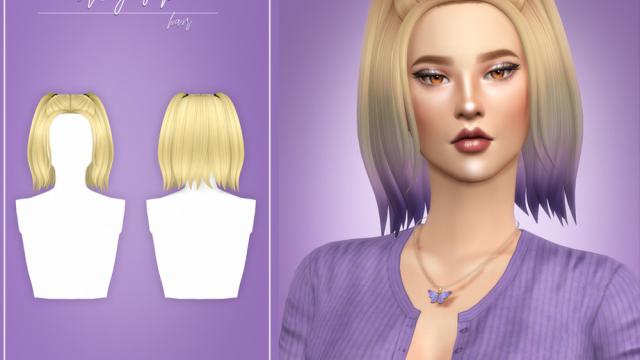
This mod adds a new hairstyle for your sim in The Sims 4: - New meshes; - 18 patterns + 35 ombre colors (in the accessories category); - Compatible with the base game; - For all ages; - Compatible with Hat Chop; - Includes a shadow map; - Individual sketch.
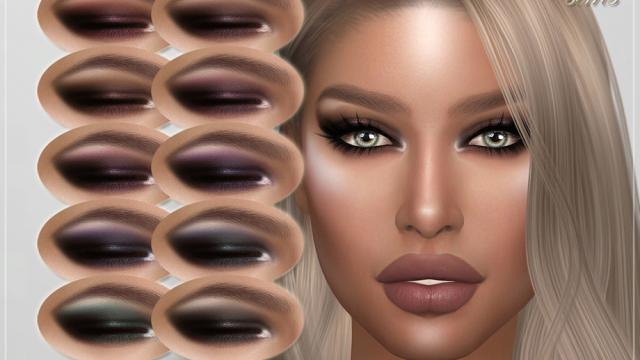
- 1122
- 234
- 0
- Standalone; - User Sketch; - 10 Color Variants; - HQ Textures; - Compatible with HQ.
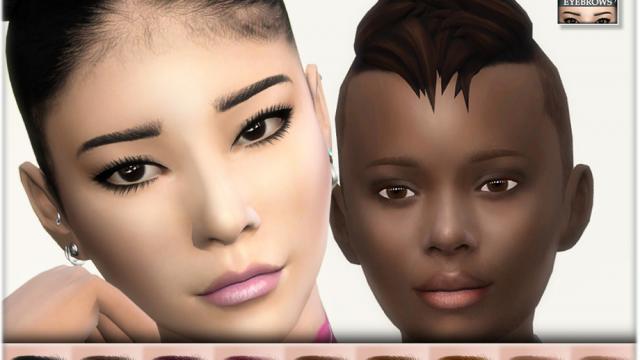
- 1395
- 250
- 0
Modification adds new Eyebrows for The Sims 4: - For all ages; - For all genders; - 27 color variations; - Eyebrows category; - Not compatible with HQ.
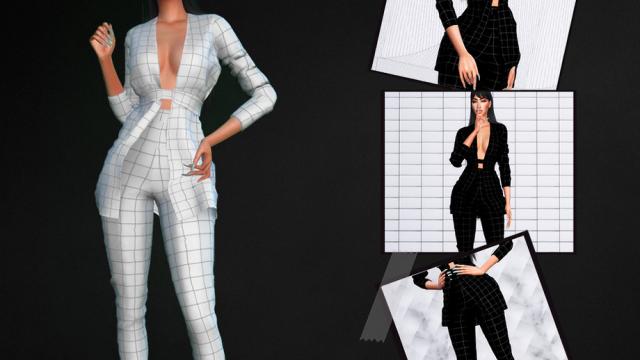
- 1307
- 335
- 0
This mod for The Sims 4 adds a new clothing set to the game: - New mesh; - 3 colors; - Compatible with HQ.