
Mods

- 1514
- 277
- 0
For some unknown reasons, the developers of Mafia Definitive Edition did not add the ability to skip the intro, but with this mod it will become possible - you will no longer be forced to watch this intro over and over again.
- 2779
- 415
- 0
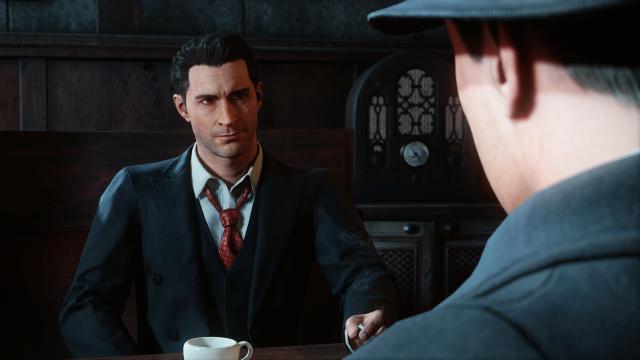
True Vision - a graphical mod for Mafia Definitive Edition. The modification corrects the color tones of the game, normalizes the contrast, and much more. The game looks much more pleasant. It is installed as a standard shader. Installation: - Install the ReShade 4.8.2 program; - Download the preset from here; - Transfer the preset to the game folder; - Go into the game; - Open the ReShade menu and select DefaultPreset.ini.

- 1807
- 273
- 0
A gameplay mod that allows you to repair the engine of your vehicles in Mafia Definitive Edition. If a vehicle has stopped and is not moving due to engine failure - just press the F1 key and that's it - the engine will be as good as new.
- 1766
- 303
- 0
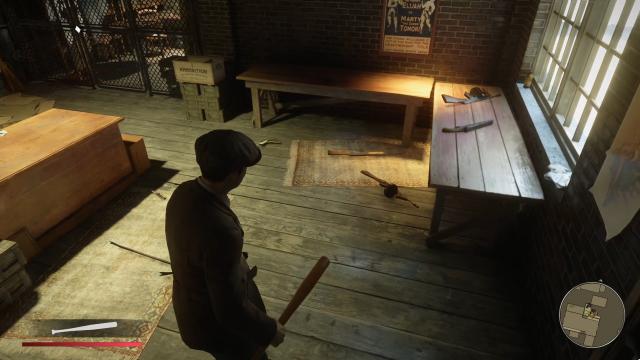
In the original game for some unknown reasons, the uncollected weapons are glowing. It's convenient but very ugly and unrealistic. With this mod for Mafia Definitive Edition this glow will be completely disabled. Installation: - Move the Edit folder from the downloaded archive to the game's root folder.
- 2657
- 396
- 0
It is no secret that there are serious camera issues in Mafia Definitive Edition, especially when driving. With this mod, when driving in third person, the camera will no longer be annoyingly shaking, making it easier on the nerves. Installation: - Move the file from the downloaded archive to the path Steam>steamapps>common>Mafia Definitive Edition>sds_retail>tables.
- 2566
- 331
- 0
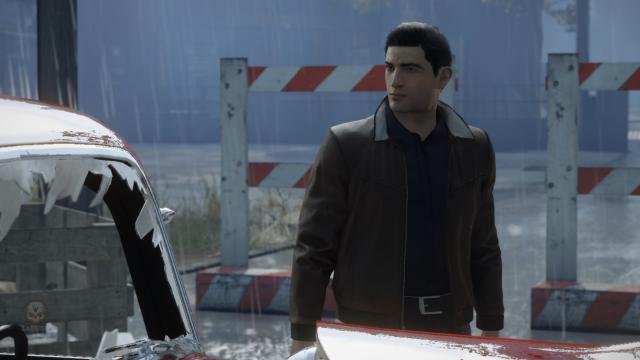
Теперь вы можете играть за Вито. Installation and Use: - Unpack the files in the game's root folder; - Launch the game, press Alt + Tab, launch the file M1DEScripthook.exe; - Return to the game, press the T key to change the hero model to the Vito model; - That's it! Now you can play as Vito.

- 2351
- 328
- 0
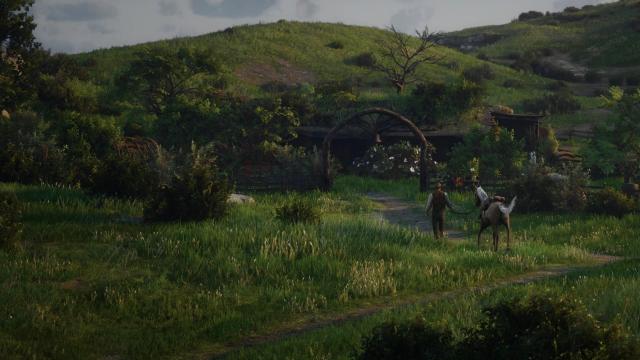
Arthur's Haven - a new home for the main hero with all the amenities. It can be found in the location "The Heartlands" (visible on the global map).
- 2245
- 303
- 0
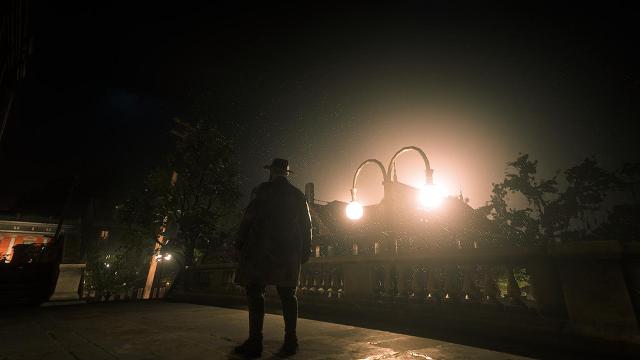
With this mod you will be able to disarm almost any NPC in Red Dead Redemption 2. Very useful for close combat. Just aim, press the E key (by default) and that's it.