
Mods

- 2398
- 273
- 0

- 3318
- 328
- 0
Do you want to make quality videos and screenshots in RDR 2? The mod-script for Red Dead Redemption 2 adds a cinematographic camera mode, which is activated and deactivated with the F8 key. Features: - Create, edit and delete cameras in different places; - Free camera mode; - Various camera modes (setting speed and more); - Other camera modes; - Much more (watch the video trailer). Installation: - Drop the file Copy J10CinematicCameraRDR2.asi from the archive into the game's root folder.

- 2588
- 383
- 0
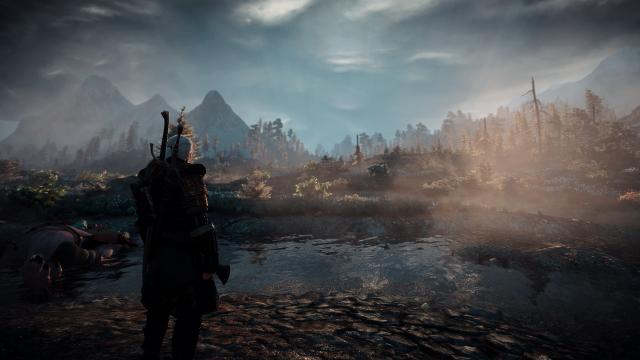
One of the best graphical presets for The Witcher 3. With this reshade, the game gets a completely new, incredibly beautiful and realistic graphics. Installation: - Install the latest version of the Reshade program; - Download and drop the mod file to the path \The Witcher 3 Wild Hunt\bin\x64; - Go to the game, open the ReShade program menu (Home key) and select the HD_Realism_EXP file; - Enjoy!
- 1431
- 242
- 0
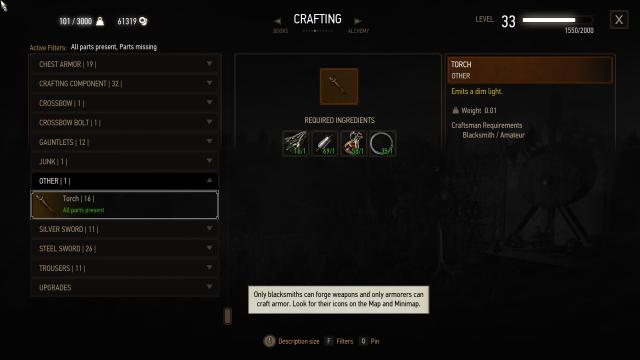
Thanks to this mod for The Witcher 3, you will be able to craft torches from standard materials, which are easy to find or buy. In addition, now they burn for 20-30 minutes, after which they fall out of Geralt's hands. Realistic, simple and effective.
- 2096
- 563
- 0
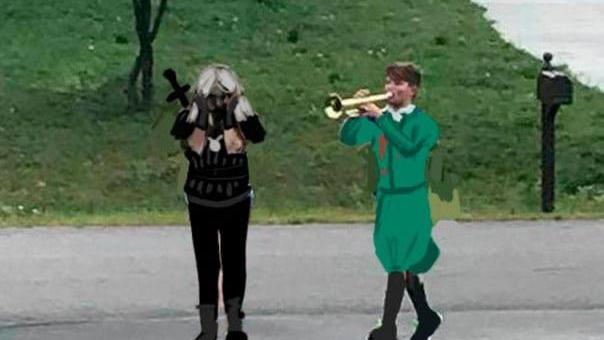
All Witcher fans know the legendary song "Toss a Coin to your Witcher, Oh Valley of Plenty". This song has become a real meme and has been very popular with everyone who watched the Witcher series. Now, upon successful completion of the quest, instead of the standard music, this song will play, specifically "Toss a Coin to your Witcher, Oh Valley of Plenty". In the additional files, you can find a version that replaces it with a longer version of the song, namely: "Toss a Coin to your Witcher, Oh Valley of Plenty, Oh Valley of Plenty, Oohhhh". So far, only the English version is available.

- 1886
- 248
- 0
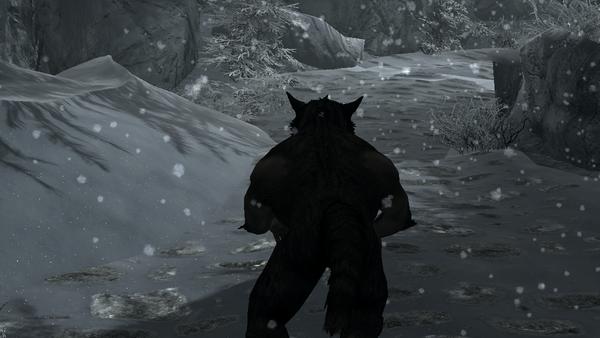
Maximally simple, but very useful mod for Skyrim SE increases the running speed of werewolves by 5%, and the sprint speed by 15%.
- 2303
- 274
- 0
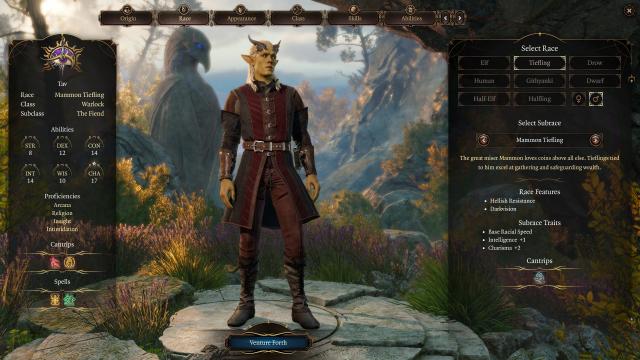
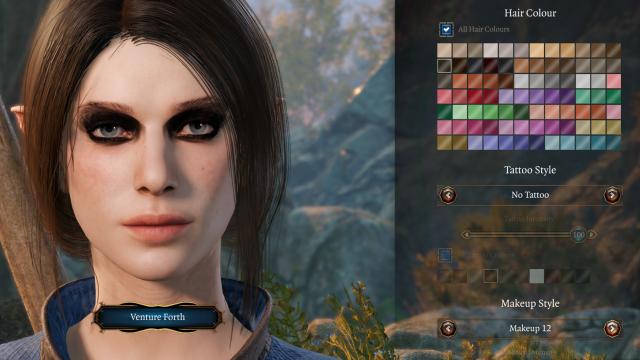
\PlayerChars\Eyebrows; 3. Запустите игру и выберите макияж глаз в меню персонажа. Installation: 1. Extract the file from the archive; 2. Insert the file into the game data folder, for example: SteamLibrary\steamapps\common\Baldurs Gate 3\Data\PlayerChars\Eyebrows; 3. Launch the game and select the eye makeup in the character menu.
- 1696
- 251
- 0
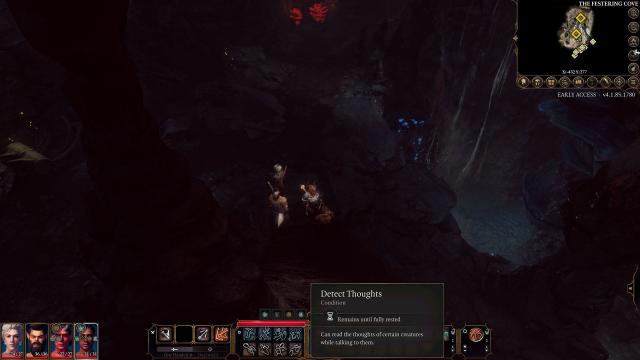
Mode removes the duration and concentration requirements from the spell "Detect Thoughts".