
Mods
![2015 BMW F82 M4 [Add-On | Tuning | Bodykits]](/files/mods/gta_5/3b836s2byn/img1pre.jpg?6134ba758c09c)

- 2459
- 328
- 1
Another legendary BMW car for Grand Theft Auto V, this time the M4 F82 from 2015. The car has very high quality textures, various tuning parts (including color selection) and much more.
![2015 BMW i8 (I12) [Add-On]](/files/mods/gta_5/4sS2bQ3a8S/img1pre.jpg?6134bad4f31fe)
- 3002
- 368
- 0
Luxurious BMW i8 car, which will be available in the game thanks to this mod for GTA 5. Words are superfluous, just look at the screenshots.
![Lamborghini Reventon AUTOVISTA [Add-on Replace | Wipers | Template | Wings + Spoiler | Tuning]](/files/mods/gta_5/bGAFHHBK57/img1pre.jpg?)
- 1659
- 245
- 0
The mod of GTA 5 adds the Lamborghini Reventon sports car to the game. The car has various parts for tuning. Features of the mod: - Automatic wipers; - High-quality model; - Quality interior; - HQ engine; - Reflection in the mirror; - Good controllability; - Much more.


- 1937
- 293
- 0
и нажмите "ОК". 6. Нажмите кнопку "Установить патчи" и патчи будут установлены. Instruction: 1. Download the file; 2. Open it and extract the files wherever you want; 3. Open "CP2077 - EasyInstall.exe" from the folder; 4. If you are using Steam or GOG, just press "Find Steam Path" or "Find GOG Path" (the patch will be installed automatically). 5. If you want to choose it manually (or if you are using EpicGames), just press the button "Choose Path to Cyberpunk 2077 Main Directory" and select the main folder "Cyberpunk 2077" (not the x64 folder) and press "OK". 6. Press the button "Install Patches" and the patches will be installed.
- 1629
- 210
- 0
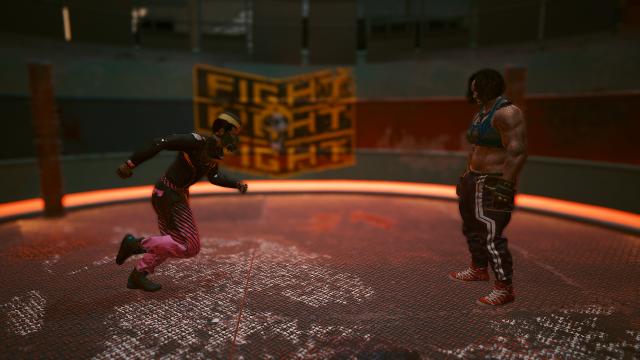
The Cyberpunk 2077 mod improves close combat. A more realistic reaction that emphasizes your true abilities. The mod consists of a small modification of the configuration of the character movement control elements to give a more realistic feeling of V's body reaction. Installation: 1. Extract the file; 2. Drop it into the game folder confirming the replacement.
- 1629
- 304
- 0
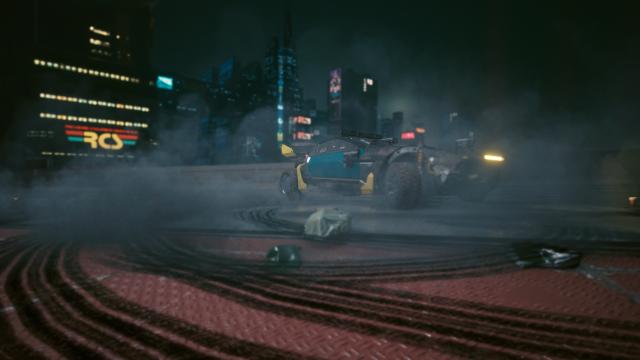
\vehiclehandling.ini The mod for Cyberpunk 2077 makes driving more precise and realistic. This mod is aimed at fixing the lack of control over the transport. Installation: 1. Unpack the archive; 2. Drag the file into the main Cyberpunk 2077 folder. Removal: Delete the file from the folder Cyberpunk 2077\engine\config\platform\pc\vehiclehandling.ini\Cyberpunk 2077\engine\config\platform\pc\vehiclehandling.ini
- 3355
- 448
- 0
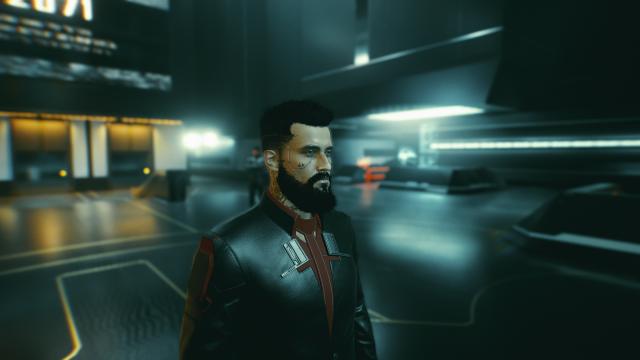
\ English Translation: The Cyberpunk 2077 mod adds save files with cheats for all three paths. Starting the game. Included in the save: - Level 50 - maximum level from the start; - Level 50 reputation; - 9,999,999 eddies; - Base level 6 attributes; - 70 attribute points - enough points to max out all attributes to 20 if needed; - 400 perk points; - 999,999 backpack capacity; - 9 999 crafting components (all); - Legendary artifacts; - Legendary second heart; - Full Johnny's equipment. All saved files are located in the file folder and listed as follows: Corpo - Male - Save 26 Nomad - Female - Save 27 Street Kid - Male - Save 30 Installation: Place the desired save at the path: %userprofile%\Saved Games\CD Projekt Red\Cyberpunk 2077\
- 1738
- 240
- 0
Installation: 1. Download the mod and extract the "ico" file to your desktop; 2. Right-click the Cyberpunk 2077 game shortcut and select "Properties"; 3. Select "Change Icon" and "Browse"; 4. Select the extracted "ico" file and enjoy.