
Mods

- 14622
- 3728
- 0
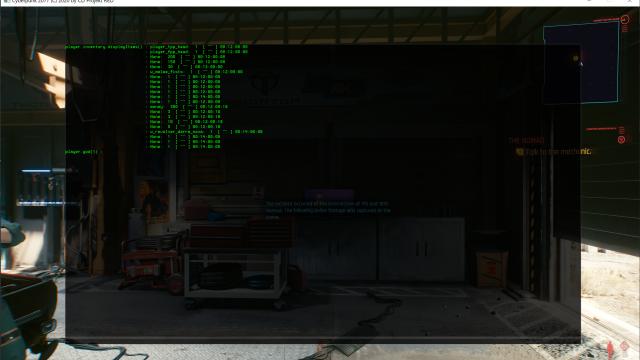
The Cyberpunk 2077 mod adds a panel to the game that allows you to see the built-in command console. It can be used for debugging or cheating. Installation: Place the downloaded file in the Cyberpunk 2077\bin\x64\ directory. Notes: 1. concmd.txt has a list of all console commands and their description; 2. The game must be launched in windowed or borderless window mode for the mod to work properly.

- 5458
- 1233
- 0
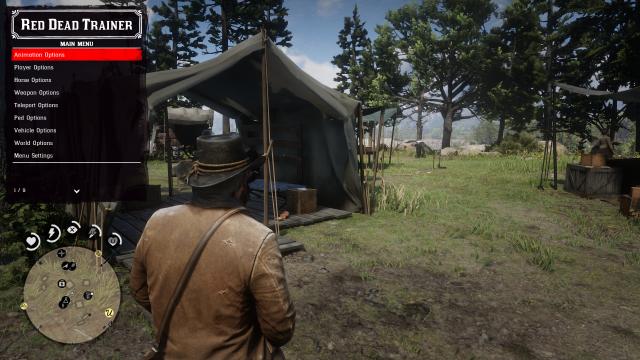
Trainer for Red Dead Redemption 2 with many features. Features: - All the main features of standard cheats; - Ability to edit the level of honor; - Change the color of the menu; - Spawn various non-hostile animals, vehicles and more; - Change the character model, clothing, gait and more; - Various teleport settings; - Change weather / time of day; - Get weapons, ammunition and more; - Many other features. The cheat menu is opened with the F3 key on the keyboard, R1 + Dpad Down on PS4, RB + Dpad Down on Xbox.

- 4069
- 822
- 0
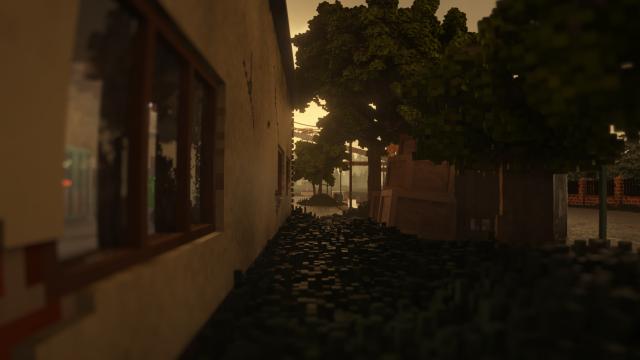
The plugin hides the Teardown interface to fully enjoy the graphical component of the game at the expense of convenience. Great for various videos. Installation: - Make a backup of steamapps\common\Teardown\data\; - Replace the files with the files from the downloaded archive.

- 2559
- 256
- 0
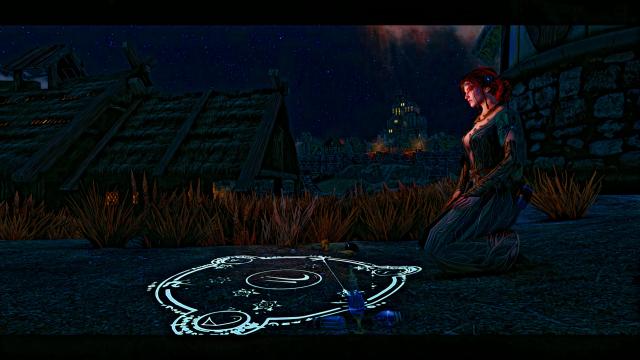
Dedicated to all Witcher fans. Modification changes the main menu screen to a new one. There are 17 options in total, all based on the Witcher universe. Music remains unchanged. Installation: - Select the desired version of the mod from the archive; - Drop it to the path Steam / SteamApps / Common / Skyrim Special Edition.

- 2918
- 372
- 0
This mod for Skyrim Special Edition adds a new companion with a unique look. Her name is Tuka. She is 165. She has blue eyes, uses a bow and dagger in battle. She can be found in Riverwood, in the tavern. CBBE body.
- 1492
- 212
- 0
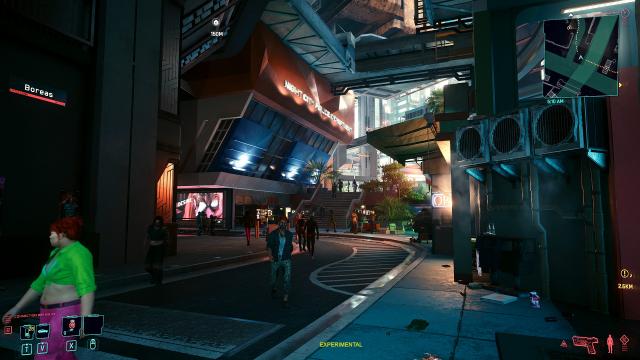
If you prefer a darker graphics - this reshade is for you, as it changes the graphics in the game to a darker one. Use the latest version of the Reshade program to use this preset in the game.
- 1495
- 262
- 0
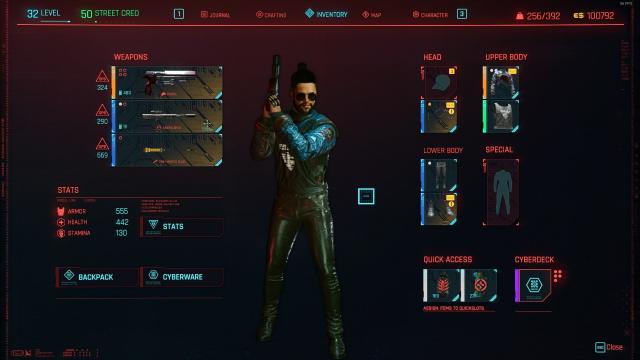
Ordinary save, where almost the entire game has been passed. Almost all endings are available. Installation: - Drop the file to the path C:\Users\USERHERE\Saved Games\CD Projekt Red\Cyberpunk 2077; - Enter the game, load the save and enjoy.


- 916
- 207
- 0
This mod adds lip gloss for The Sims 4: 5 swatches; Compatible with the base game; Enabled for all occult; Disabled for random.