
Mods

- 2125
- 273
- 0
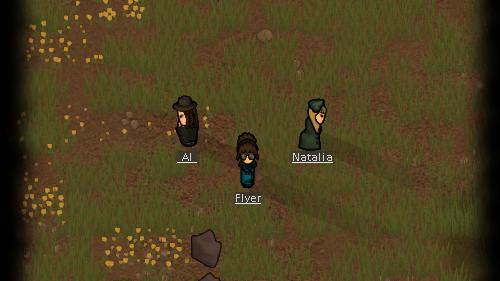
This mod for Rimworld allows you to hide hair under headgear. Headgear that does not cover the top of the head (e.g. sunhats, glasses, etc.) will display the normal hair texture. The texture of the covering headgear will be replaced with custom textures that fit the headgear exactly, allowing hair to be displayed at any time without a haircut. Compatible with all headgear, both vanilla and modded. Supported hairstyles (mods): - vanilla (default) - Rimsenal Hair Pack - NackbladInc Rimhair 2.2 - Spoon's Hair Mod - RimNGE - Xeva's Hairstyles
- 1753
- 298
- 0
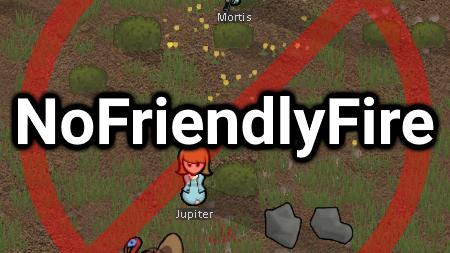
With this mod for Rimworld you can change the probability of random bullet hits from pawns and turrets to each other. You can change this with a probability of 0-99% in the mod settings. 0% completely disables friendly fire. It can stop bullets from hitting: - Your colonists; - Your animals; - Friendly factions. Does not stop bullets from hitting: - Enemies; - Anything you are aiming at.
- 2194
- 340
- 0
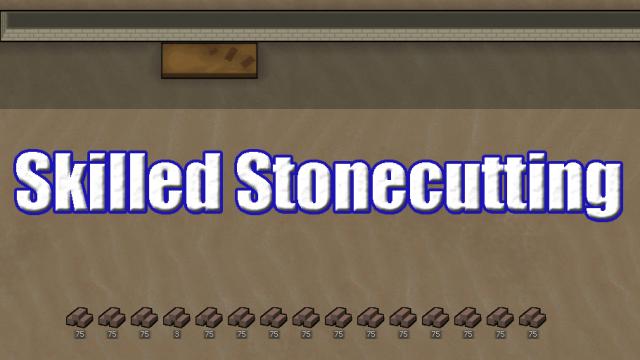
This mod for Rimworld restores experience accumulation, so pawns will again receive crafting experience from stonecutting. The experience gain is identical to earlier versions of Rimworld (values taken from A16). This also allows characters to craft blocks faster as their crafting skills increase.
- 2110
- 253
- 0
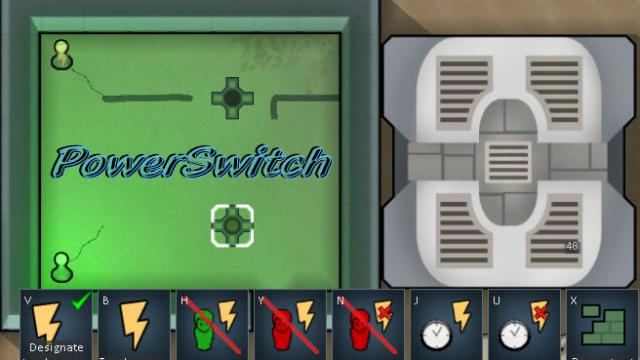
This mod for Rimworld adds switches to the game. Initially you use a simple power switch which can turn on and off the transmission of energy through it. There are additional features but they require a small research. Once you have done the research, the following features are available to you: - Manual switching; - Built-in wall switch; - Automatic switch in room/area; - Enemy detection enabled; - Automatic disconnection of detected enemy. Detailed description: - Manual On/Off: Basic functionality available from the start; - Room Pawn Detection: Available after research with a regular switch. Detects if a Pawn (person, animal) is in the room; - 7-cell Pawn Detection: Available after research. Regular pawn detection mode for wall switches. Regular switches can be switched between this mode and room pawn mode by pressing the select button again; - Enemy Detection (within 1/3 map): Available after research. Available modes: On detection and Off detection; - Timer: Available after research - turns on and off at specified time. Initially time is set to 19h -> On and 5h -> Off. This can be changed by pressing the buttons again.
- 2527
- 353
- 0
This mod for Rimworld changes the success of operations, making it less random and arbitrary. This does not change your surgeon's chance of success, and changes failure as follows: - If they don't achieve success, they have a second chance at success with non-lethal injuries; - If they fail, they have a chance to inflict non-lethal injuries depending on their surgical skills (since they determine what the patient dies from and abort the operation); - If they fail, the chance of death from a failed operation is reduced due to their chance of successfully completing the operation; - Only damaged pawns can get silly surgical injuries; - Operation failures will cause infection. Pawns who receive an injury during a successful operation may become infected depending on the doctor's qualifications; - Instead of dealing 20 damage on minor failure and 65 on catastrophic failure, minor failures deal 10-20 damage and catastrophic failures deal 30-60. This makes some operations (e.g. on the head) not disproportionately lethal even on minor failures; - Instead of making 50-100% of the remaining health of the part in the injury for a surgical injury, failures make 10-25% of the remaining health of the part, so the injury is much less likely to kill or amputate the patient's part unless their total damage exceeds the remaining health of the part; - You will get the part or implant back on minor malfunction. Obviously, the mod will conflict with any other mods that change the workings of surgery in the code. Compatible with Psychology, EPOE, A Dog Said, DE Surgeries and Mechanite Augmentation.
- 2978
- 267
- 0
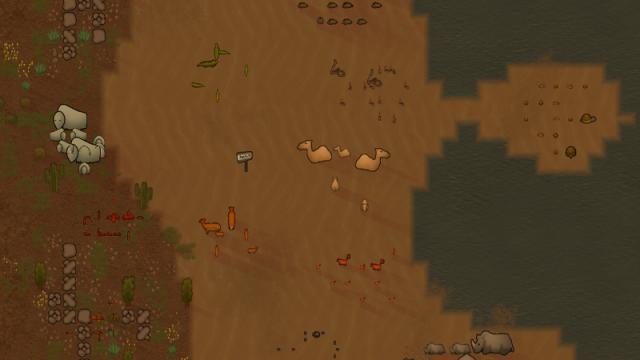
This mod for Rimworld "Animal Husbandry" allows you to tame wild animals. These domesticated animals follow their tamer and reproduce through pregnancy and the process of animal-child maturation. 1. Explore Animal Husbandry to tame all the animals of RimWorld. Just find a wild animal, and next to its description panel a button should appear in the lower left corner; 2. Taming depends on the colonist's "social" skill level - they must be a [Warden] to be able to tame. 3. Tamed animals follow their tamer, so you must turn off this feature when you are done with them. 4. There is a Pasture Marker building that allows domesticated animals not to wander too far from this building. You can choose which animal can graze near a certain marker. Fully compatible with all mods, but it is recommended to start a new game because the modification will not work on old saves.

- 2764
- 357
- 0
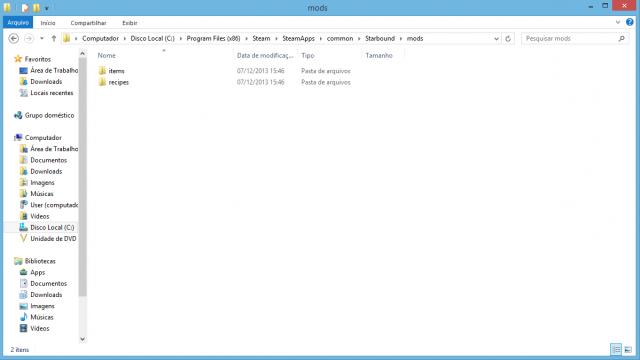
3.1. ОШИБКИ / ПРОБЛЕМЫ Если вы получаете ошибку при запуске игры, проверьте, не используете ли вы моды, которые не совместимы с ModLoader. Если вы используете моды, которые не совместимы с ModLoader, вам нужно будет использовать другой метод установки модов. Translation: Sections 1. INSTALLATION 2. USAGE 3. HOW TO INSTALL MODS 3.1. ERRORS / ISSUES 1.INSTALLATION - If you are using Windows, read step 1a; - If you are using Linux, read step 1b; - If you are using Mac, read step 1c. - 1a. Copy the win32 folder to the root directory of Starbound - located in C: Program Files (x86) Steam/steamapps/common/Starbound - 1b. Copy the - linux32 folder if you are using a 32-bit OS Linux | "linux64" if you are using a 64-bit OS Linux - to the root directory of Starbound. - 1c. Copy the Starbound.app folder to the root directory of Starbound. Overwrite the files it asks you to overwrite. 2. USAGE If you are a mod developer and want to use Starbound ModLoader with your mod, do the following: - Create a new folder named "mods"; - Copy all the folders of your mod into this folder (for example, if you are adding a new recipe, just copy the recipes folder and paste it into the mods folder.); - Distribute your mod. 3. HOW TO INSTALL MODS - Open the downloaded zip file of the mod; - Copy the mods folder to the root directory of Starbound; - Play the game. For those who create mods that require changes to the source files (e.g. species mods), do the following to make the mod compatible with ModLoader: - Copy the files you need to change - codex.config, player.config, etc. - to the full path (e.g. assets/player.config will be mods/player.config); - Change the file by adding what you need. 3.1. ERRORS / ISSUES If you get an error when launching the game, check if you are using mods that are not compatible with ModLoader. If you are using mods that are not compatible with ModLoader, you will need to use another method of installing mods.
- 2026
- 291
- 0
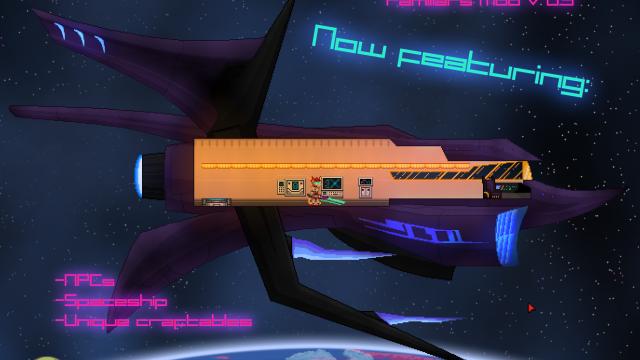
Мод для Starbound позволяет вам играть милыми маленькими созданиями - раса Фамильяров обрела физическую форму благодаря магическим силам за пределами их понимания. Спрайты для этого мода были созданы с нуля, поэтому эта раса явно меньше по росту и несколько отличается по форме от других рас. Однако этот вид полностью совместим с другими. Особенности - Полностью настраиваемые спрайты (созданные с нуля); - Тонны цвета и стили на выбор (2 цвета меха, плюс цвет свечения, множество вариантов для каждого); - Совместимость с модами других видов; - Villager NPCs для видов; - Получает уникальный диалог от каждой ванильной расы; - Удобная анимация возрождения; - Настраиваемая генерация имен; - Удивительный космический корабль; - Уникальные крафт-материалы для нижних и средних уровней, включая броню, оружие и палаши. Установка 1. Найдите мод расширения для создания персонажей или используйте (не обновленный для новых элементов пользовательского интерфейса, но все еще работающий) мод Xander Kau, включенный в zip-файл. Рекомендуется использовать «режим Xbox» от Kawa , поскольку он протестирован и работает с новыми обновлениями. Примечание: вы можете запустить этот мод без мода расширения вместе с ним, но вы не сможете выбрать фамильяра в качестве своего персонажа. 2. Найдите каталог модов вашей установки Starbound. В Steam по умолчанию используется C: Program Files/Steam/SteamApps/Starbound/mods. 3. Распакуйте содержимое «Starbound Familiars Mod.zip» в каталог модов. Будьте внимательны -Небольшие визуальные несоответствия (поворот руки на один-два пикселя, удерживаемые предметы не полностью выровнены и т. д.) - не имеют большого значения, но нельзя их исправить, не нарушая работу других рас. - Спрайты короче, чем у большинства рас, поэтому вам, возможно, придется спрятать свою броню. Прозрачные предметы тщеславия даются в начале, поэтому вы можете скрыть все, что вам не нравится. Известные проблемы Совместимость: этот мод изменяет некоторые из существующих файлов деревень и домов "подземелья", чтобы добавить некоторых фамильяров, и может быть несовместим с другими модами, которые изменяют те же самые файлы. Если вы не уверены, вы можете проверить идентичные имена файлов в папках знакомых подземелий. Неполный: у бандитов есть файл, но неизвестны способы его появления. Они просто пока не будут включены, поскольку они не являются основной особенностью мода.