
Mods
![[Suzue] Aura Earrings](/files/mods/the_sims_4/syDAKaztA4/img1pre.jpg?)

- 1431
- 270
- 0
This mod adds new earrings for The Sims 4: - 10 samples; - New mesh; - For both genders; - For teens and older; - Compatible with HQ.
- 1150
- 266
- 0
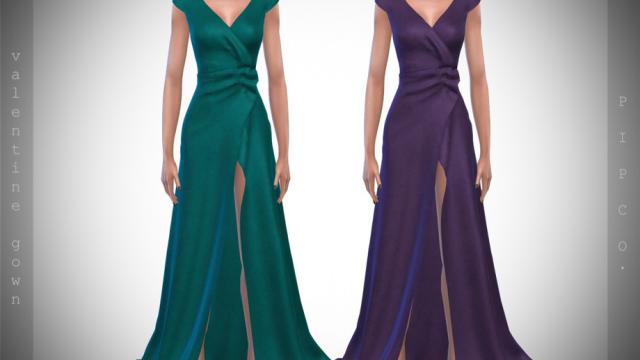
This mod adds a new dress for The Sims 4: 10 patterns; New mesh; All lods; Mirror and normal maps; Compatibility with the base game; Tested in game; Categories of formal and festive clothing.

- 1575
- 230
- 0
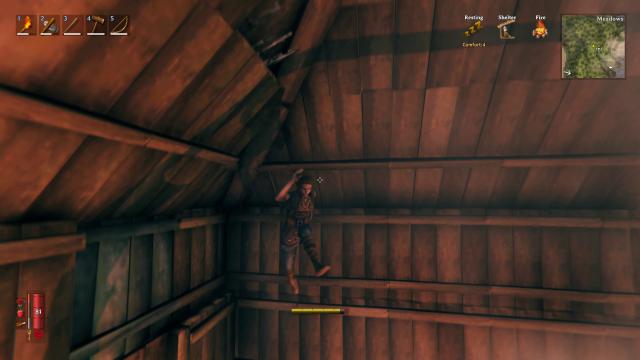
A mod for Valheim allows you to do super jumps. That is, after installing the mod by default you will be able to do a double jump. In the configurations you can set the maximum number of jumps and do multi-jumps.
- 3693
- 554
- 0
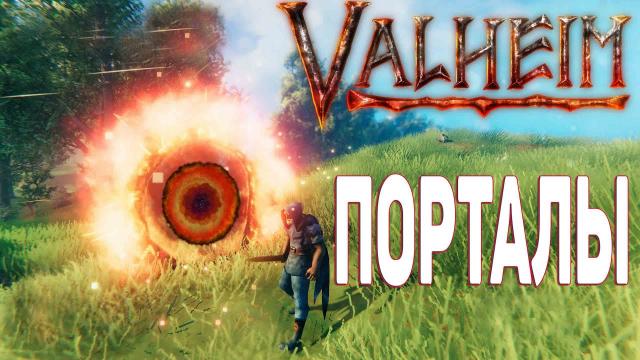
Modification disables portals in Valheim. You will no longer be able to create portals, nor use existing ones. The mod does not affect other players who have not installed it. It can be enabled or disabled with the keys Ctrl + F10. Installation: - If installing through Unity Mod Manager, you can just drop the archive into the UMM installer. - If without UMM, you can drop the files from the archive (not the archive itself) to the path Valheim/Mods/. - In the game press CTRL + F10 (by default).
- 1673
- 210
- 0
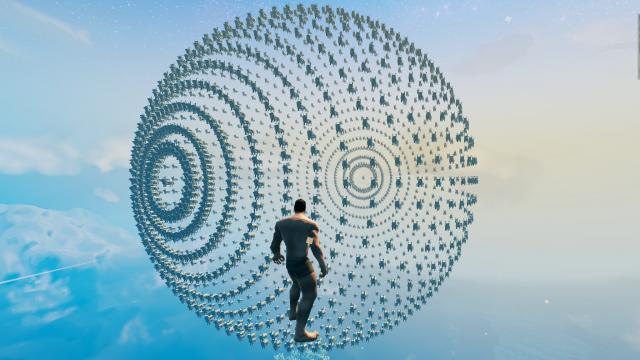
Not quite a standard build in the form of a sphere for Valheim. It is highly recommended to use this build in a new world, rather than one where you have progress.
- 2998
- 632
- 0
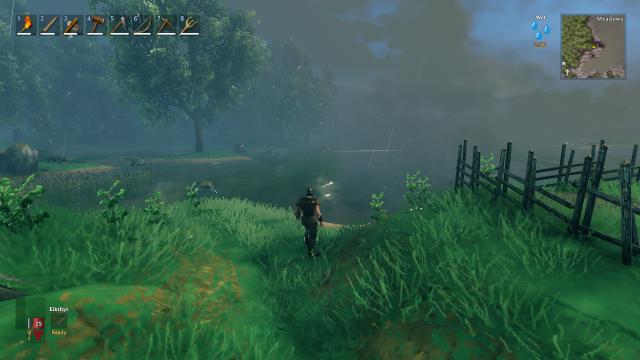
A mod for Valheim allows you to turn on or off the fog and clouds. Console commands are used for this. Usage: - Open the console on the F5 key; - Enter Fogoff to turn off the fog, Fogon to turn it on; - Enter Cloudsoff to turn off the clouds, or Cloudson to turn them on.

- 1629
- 278
- 0
In Valheim, by default, health regeneration is significantly reduced if the status is "Wet" or "Frozen". Now the reduction will have different values. - Reduction for the "Wet" effect: 10% (previously 25%); - Reduction for the "Frozen" effect: 20% (previously 50%).
- 2064
- 245
- 0
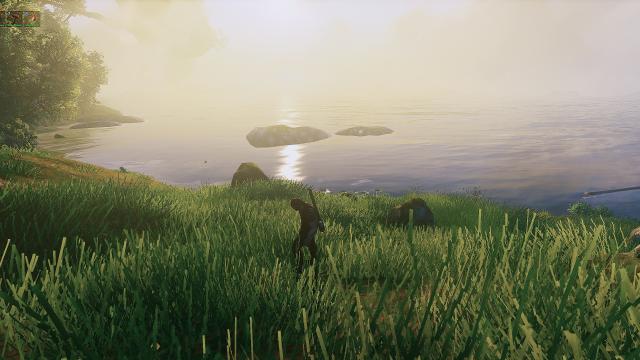
Beautiful and bright graphical preset for Valheim. The Reshade program is used for installation. After the standard installation through Reshade, we enter the game, press the Home button and select this reshade. Then just enjoy.