
Mods

- 1194
- 128
- 0
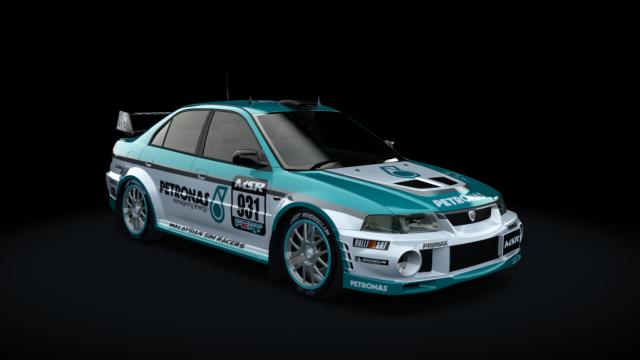
- Max. speed: 209 km/h; - Torque: 413 Nm; - Engine power: 300 hp; - Year of production: 2000; - Power to weight ratio: 4.95 kg/hp; - Car weight: 1299 kg; - Choice of skin / color; - Custom sounds.
- 798
- 129
- 0
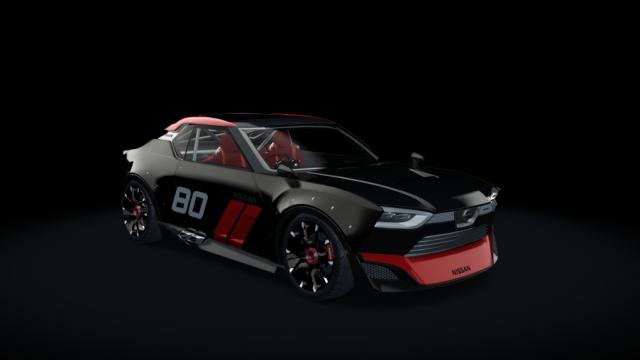
- Maximum speed: 270 km/h; - Car weight: 1050 kg; - Torque: 292 Nm; - Power to weight ratio: 4.93 kg/hp; - Country: Japan; - RWD; - Engine power: 213 hp; - Choice of color / skin; - Brand: Nissan; - High-quality models / textures; - Detailed interior/exterior.
- 878
- 147
- 0
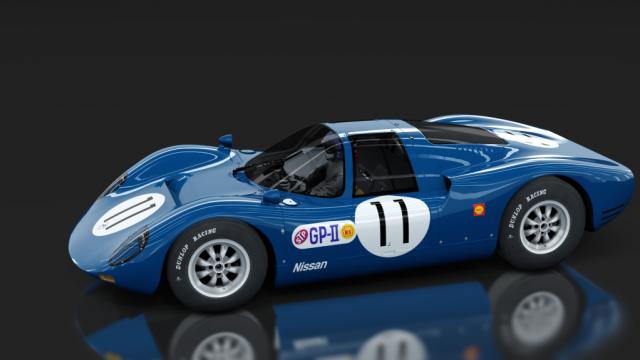
- Max. speed: 320 km/h; - Year of production: 1967; - PWR: 3.42 kg/hp; - Brand: Nissan; - Choice of skin / color; - Animations; - Engine power: 202 hp; - All AC standards.

- 1251
- 203
- 0
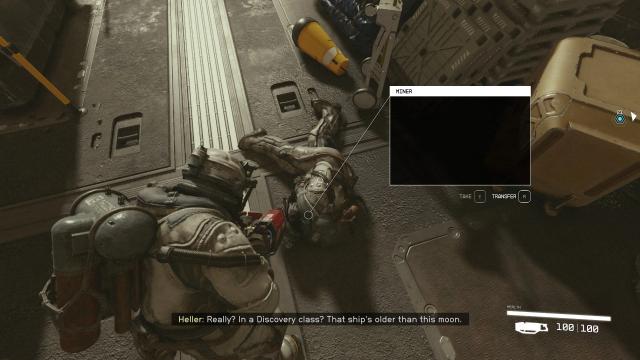
Allows you to kill important (previously immortal) NPCs. Installation Path: C:\Users\user\Documents\My Games\Starfield
- 2092
- 238
- 0
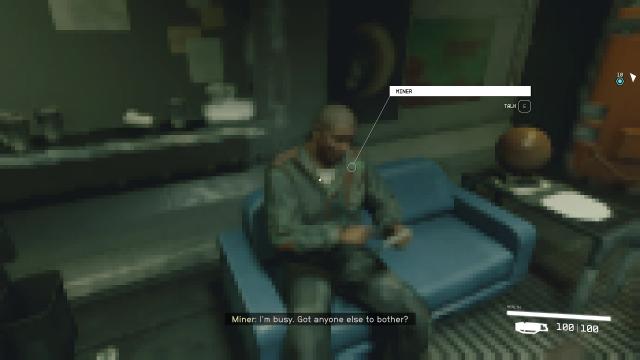
Do you have a very weak computer, but want to play Starfield? Mod significantly worsens the graphics of the game. There are 4 options, the worst of them in terms of graphics is Pixel Heaven. The graphics in the game will be in pixels, but the game will go to weak PCs that do not even meet the minimum requirements. Installation: - Navigate to Documents\My Games\Starfield; - Replace the Starfieldprefs.ini file with the version from the archive; - Open the .ini file through a text editor, find uDifficulty=0 and set the difficulty of the game (from 0 to 4, where 4 is the most difficult level. It will not be possible to change this parameter in the future); - Open the file properties by clicking "RMB" - "Properties"; - Set "Read only"; - Confirm the action.

- 1333
- 179
- 0
Text document with all item/abilities/trait IDs in Starfield. In addition, thanks to this cheat, you can get all the items with one console command. Installation: - Drop the files from the archive into the Starfield root folder. Usage: - Go into the game, enter bat "file name". For example, if you enter bat allperks, the character will get all the skills.
- 984
- 313
- 0
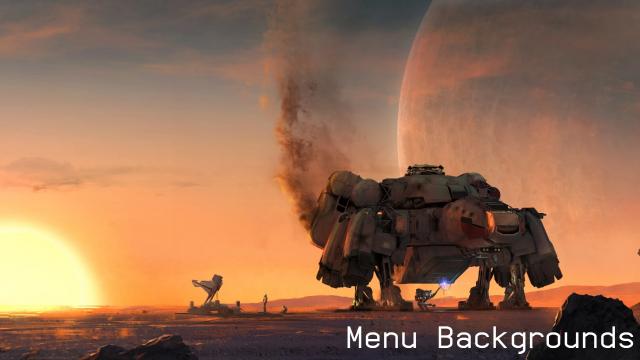
A pack of animated main menu screens. On the first link, the first pack, on the second (backup) - the second version with another screens.
- 1783
- 290
- 0
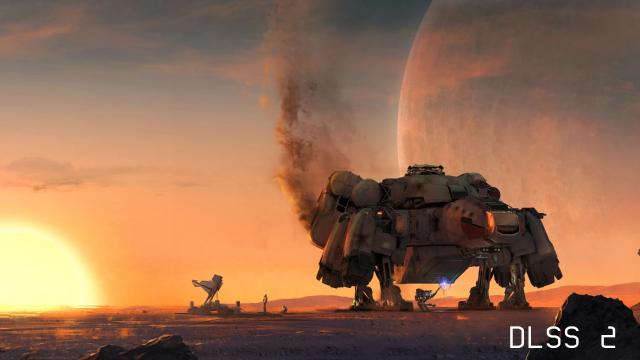
DLSS 2 to work with Starfield Upscaler - Replacing FSR2 with DLSS or XeSS. Installation: - Drop the contents of the v2_DLSS-nvngx_dlss_2.5.1 folder into the root folder of the game and agree to a replacement; - Start the game, in the graphics settings in the Upscaling item, select FSR2.