
Mods

- 1544
- 383
- 0
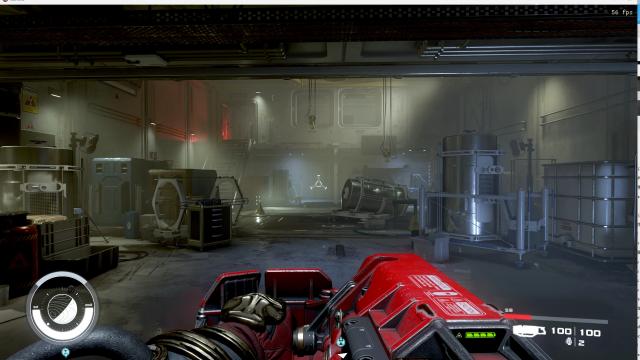
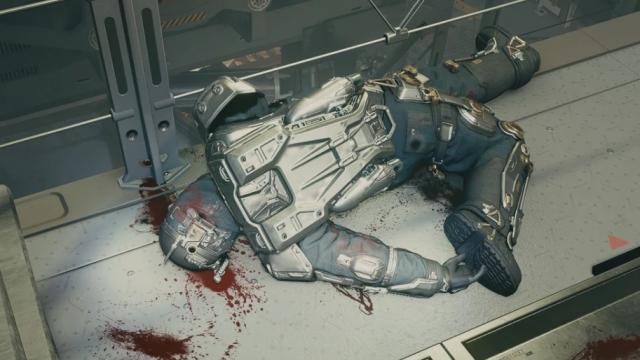
High quality blood textures in Starfield. The main mod for 4k textures. 2k version can be downloaded in additional files.
- 1168
- 211
- 0
A small .bat that allows to use only one cheat code (.bat "file name") to get 100 units of all resources in the game. Installation: drop the text file from the archive into the root folder of the game.

- 1715
- 482
- 0
In Starfield, the spaceship scope is capped at 30 FPS, which can cause the scope to wobble. The mod fixes this by increasing the limits to 120 FPS. In additional files there is a version that removes restrictions for all interface elements. - First, make sure that the StarfieldCustom.ini file (C:\Users\\Documents\My Games\Starfield) contains the line [Archive]bInvalidateOlderFiles=1; - Download the mod and throw the contents into the Data folder.
- 1176
- 364
- 0
Pack of .bat (.txt) files with different commands. To use, install in the root folder of the game, go to Starfield, press ~ and enter bat "file name". Thanks to these cheats, you can increase your health, carry weight, change the time in the game, and so on. Each file is preceded by a letter (c, i, and so on), each of these letters has its own meaning: - c: cheat changes character attributes; - i: cheat is related to obtaining items; - fix: cheat fixes bugs; - t: changes the time; - w: changes the weather; - s: random scripts.
- 1623
- 386
- 0
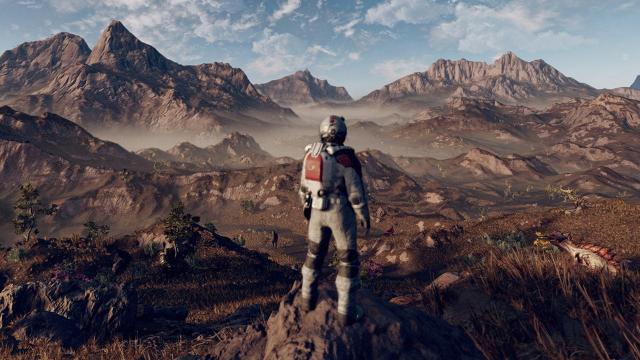
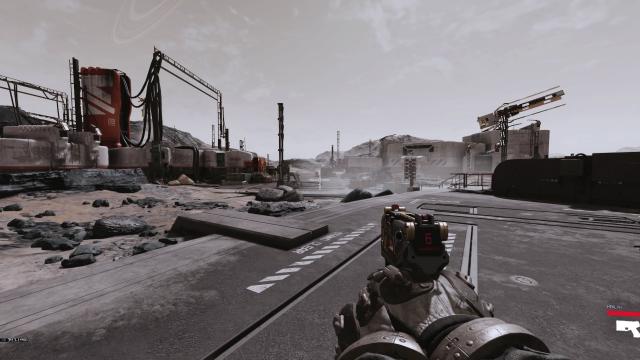
A beautiful, natural reshade for Starfield that removes the yellow-green filter. Installation via the Reshade program.
- 1342
- 383
- 0
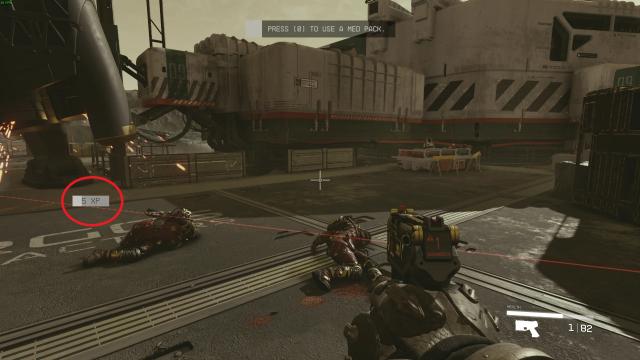
Removes or disables the annoyingly placed XP bar from the center of the screen. Works correctly now! Simple mod that makes the XP bar less annoying by either getting rid of it or moving it to the left side of the screen above the compass, similar to how it appears in the Fallout games. Put the mods interface folder inside Starfield's Data directory. The folder structure should be set up correctly for the eventual mod manger support. Files now work correctly! Tested in-game! If previously downloaded delete old files, they do not work. Make sure you have your StarfieldCustom.ini set up correctly! It must be in your documents\my games\starfield folder. [Archive] bInvalidateOlderFiles=1 sResourceDataDirsFinal= These lines must be added to your .ini, or you can download the one I've added.
- 1842
- 659
- 0
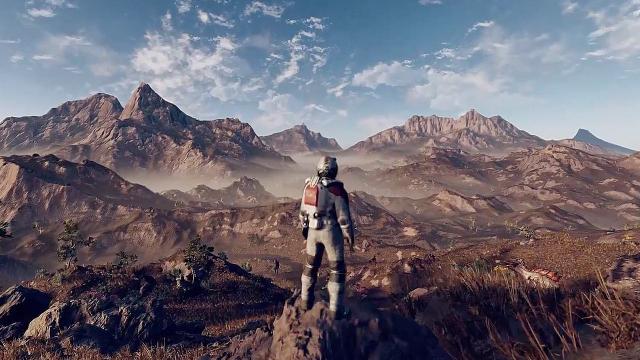
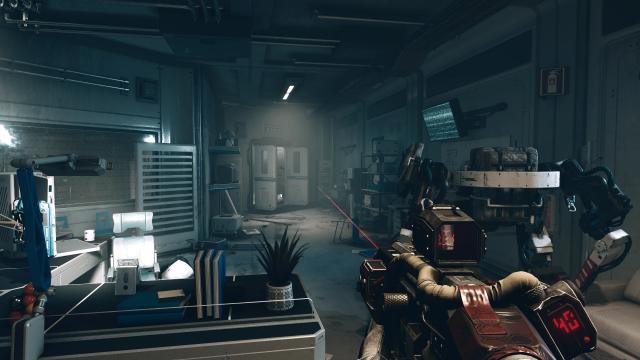
The mod for Starfield removes the annoying green filter, making the lighting more pleasant. Installation and launch: - Through the Reshade program (drop the downloaded files to the root folder of the game).