
Farming Simulator 25 Mods
Categories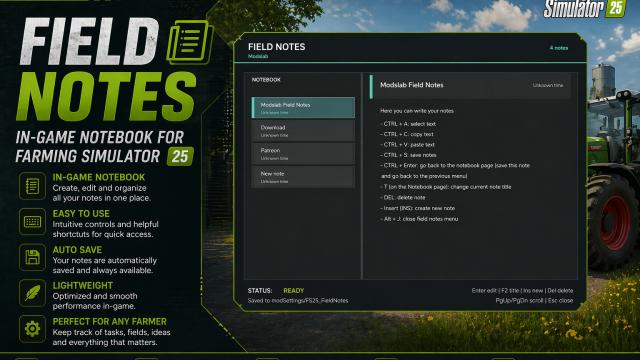

- 300
- 46
- 0
Field Notes adds a separate notepad where you can take different notes. You can: - Create different notes; - Write, save, delete whatever you want; - Select, copy, paste (basic editor functions). To open, press Alt + J.
- 522
- 265
- 0
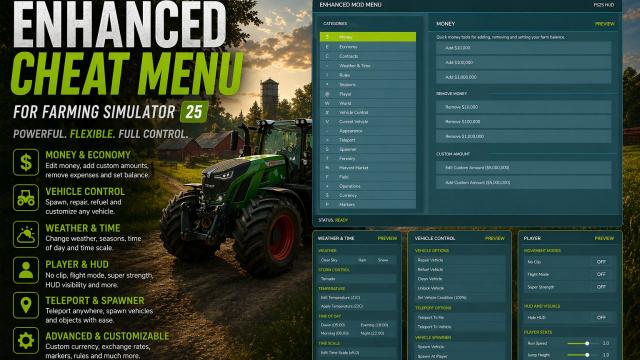
This FS25 mod introduces an advanced mod/cheat menu with a wide range of features. Players get access to dozens of powerful functions. - Added the ability to spawn piles of bulk materials in front of the player; - Since the Mod Menu now has too many features, a Favorites function has been added. You can add different actions from the mod menu to Favorites and access them directly from the very top menu, in the Favorites category. Press F to add an action to Favorites. The hotkey can be changed in the System category; - The menu can now be controlled not only with hotkeys, but also with the mouse; - Added a search system. You can find any function through search. To do this, select Search in the new System category, enter your query, and the Search Results category with all found results will appear in the menu; - Added the ability to dirty, wash, wear out, remove wear, and restore vehicles; - Added the ability to duplicate the current vehicle and separately duplicate tools attached to this vehicle; - Added the ability to delete/sell the current vehicle directly from the menu; - New menu category - Active Cheats. It displays all active cheats with a permanent effect, such as Invisible Player, NoClip, and so on. You can see the full list of activated cheats and deactivate them one by one, or reset everything using the new reset button. The category appears if you have any permanent active cheats. In addition, if a category contains an activated cheat, it will now be highlighted in red; - Added the Recent Actions category, which displays information about the most recently applied cheats, acting as a quick access menu; - Undo Last Action option. Reverts the last action if that action can be undone; - Many categories have been merged to make the menu clearer and easier to use; - Added several interactions related to AI helpers: teleport to a helper, disable all helpers, and free helpers; - You can now select a specific field and edit it, such as changing its state, removing stones, and more. In addition, you can instantly make all fields yours, sell all fields so they no longer belong to the player, buy a specific field for free by number, sell a field, set the field fertilization level, and more. Added by request, thanks for the great idea; - Added the ability to remove trees and stumps within a certain radius; - The menu position is now saved. For example, if you close the menu while in the Forestry category, it will still open in the same category the next time; - Menu changes are now saved. For example, if you enable Flight Mode, save the game and exit, then load the save again, you will still be in Flight Mode; - Fixed a bug where the reverse max speed settings did not work; - Fixed a bug with skipping days. It now skips days specifically, not months, and everything should function correctly; - Fixed a bug with the Prevent Vehicle Flip option. It should now work correctly on most vehicles; - Significantly improved translation quality for all languages. The original mod is in English; - Updated the ModDesc version, made all required changes according to the official ModHub standards, and passed the TestRunner check.
- 251
- 48
- 0
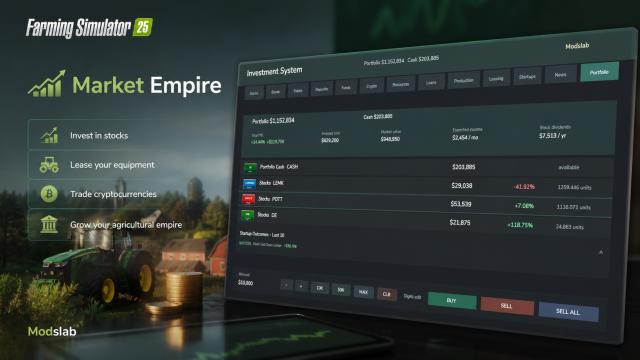
A global mod that adds a full-fledged investment system to Farming Simulator 25. A huge number of features: from regular bank deposits to renting out your own equipment and funding startups. To open the menu, press Alt + I. - Buying stocks, bonds; - Investing in real estate, bank deposits with a fixed interest rate; - Buying cryptocurrency; - Purchasing securities for resources (crops) with a fixed term; - The ability to lend money (different trust levels and different returns); - The ability to rent out your own equipment for a certain period; - A full news system that affects prices; - The player can also influence prices through their actions; - And much more! Features: - You need to monitor the market and news, sell when prices are high and buy more when prices are low; - Diversify your portfolio, otherwise you may incur significant losses; - Sometimes global crises occur (can be tracked in the news tab) that can crash the market. The opposite can also happen, with global positive events; - Stable investment methods (bank deposits, real estate, investments in in-game productions with stable income) for fans of passive income, and more risky but profitable tools (cryptocurrency, startups, debts, etc.) for those who prefer more aggressive trading; - Dividend system. Some companies pay dividends (displayed as Cash in the portfolio, which can be withdrawn); - If you lend money, be sure to check the trust level. If a person has a poor credit rating, they may run away with your funds, and you will suffer significant financial losses; - Check the risk level of startups before investing. More risky startups can bring good profits, but there is also a high chance that you will lose all your investments; - Some player actions can slightly influence the market. For example, if you rent out a lot of equipment, rental prices may drop. If you buy a lot of equipment from, for example, John Deere, their stock price may increase slightly. Invest carefully, as you can both multiply your investments or lose them completely. Attention! The mod is still under development, bugs are possible. - Currently recommended for singleplayer only. It is not yet known how the mod will behave in multiplayer; - Mod language: English. Support for other languages will be added in future updates.
- 367
- 25
- 0
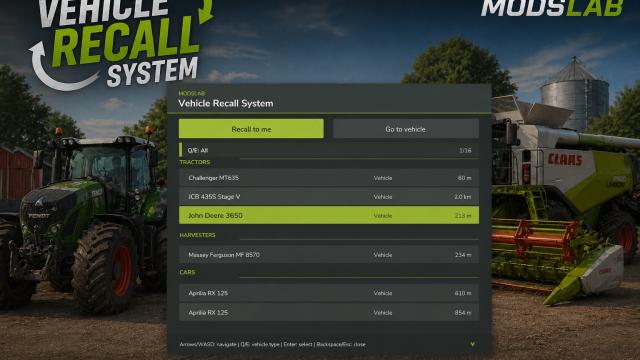
Vehicle Recall System is a convenient script mod for Farming Simulator 25 that allows you to quickly manage the movement of your vehicles and tools. With it, you can instantly recall vehicles to your location or teleport your character to any selected object. Key features: - A compact HUD menu that opens with Left Alt + R; - Two modes: move the selected vehicle/tool to the player or move the player to the selected vehicle/tool; - Automatically scans all vehicles owned by your farm using the mission vehicle system; - The player is placed next to the vehicle instead of inside it; - Supports attached implements — moves the entire vehicle chain when necessary; You can also use my Enhanced Mod Menu to rename your vehicles — renamed vehicles will appear in the Vehicle Recall System menu. Controls: - Left Alt + R: open/close the menu; - Left/Right or A/D: switch mode; - Q/E: switch vehicle category; - Up/Down: select a vehicle or tool; - Page Up/Page Down: quickly navigate through the list; - Enter: perform the selected action; - Backspace/Escape: close the menu; Installation path: Documents/My Games/FarmingSimulator2025/mods

- 279
- 30
- 0
An advanced automatic lighting control script with extended functionality and several unique features. - The lighting of your current vehicle automatically turns on and off based on the time of day (day/night). The exact activation time can be configured in the General Settings section; - The flashlight also operates in automatic mode; - During rain and other low-visibility weather conditions, the lights will turn on automatically; - You can take manual control at any time, which will disable the automatic mode. To reactivate it, hold the F key for a few seconds (a notification will appear); - "Goodbye" system: after exiting the vehicle, the lights remain on for 5 seconds. The duration can be adjusted in the settings; - "Forgot to turn off" system: when enabled, the headlights will not switch off automatically after exiting the vehicle, and you will receive a notification reminding you that the lights are still on; - By pressing CTRL + L, you can remotely control the lights of the nearest vehicle without being inside it; - Two lighting modes are available: low beam (1) and full lighting system (2). Can be selected in the settings. All mod parameters are fully customizable: open Menu → General Settings → Smart Auto Light category. In multiplayer, only the host can modify the settings.
- 294
- 83
- 0
Allows you to control day/night, weather conditions and seasons. - Rain, snow, tornado, storm, fog, etc.; - Select seasons; - Select the time of day.
- 191
- 24
- 0
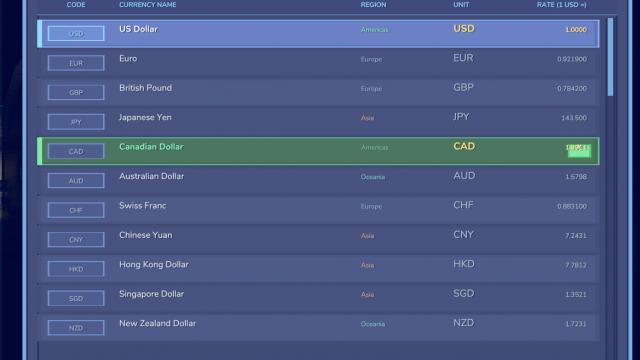
Approximately 50 different currencies to choose from. All rates, your balance, etc. are automatically adjusted according to the current rate (as of April 19, 2026). - The rates of each currency can be changed manually by pressing the R key (or left/right arrow for small adjustments); - To open the currency selection menu, press CTRL + Shift + C; - There are small visual bugs that will be fixed later.
- 175
- 29
- 0
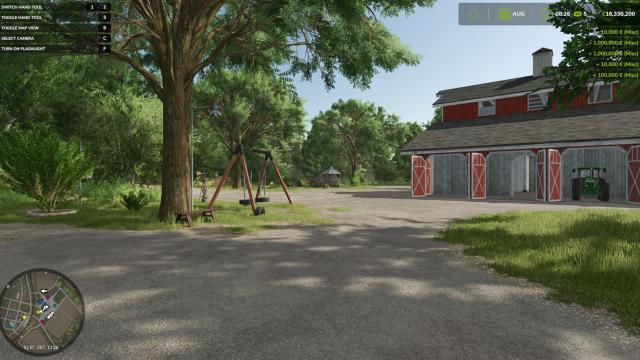
A cheat mod that adds X amount of money. - CTRL + I → +$10,000 - CTRL + O → +$100,000 - CTRL + U → +$1,000,000