
Cyberpunk 2077 Mods
Categories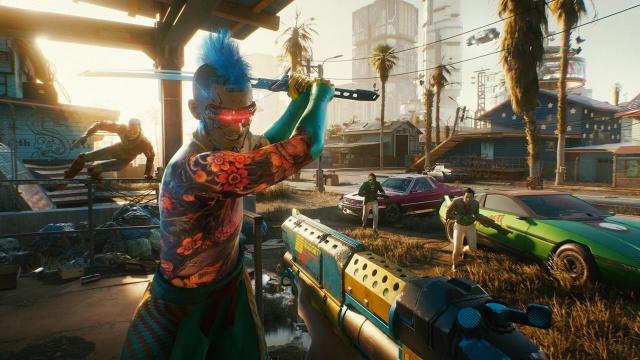

- 1654
- 277
- 0
This mod adds the ability to walk with the ALT key instead of constantly running like a 10 year old child. Installation: Simply unpack and drag the contents into your Cyberpunk folder ( "C:\Program Files (x86)\Steam\steamapps\common\Cyberpunk 2077\") and press the Yes button to replace the files. If you don't want to use alt or want to change the speed, open the file and find: mapping name="LeftY_Axis" type="Axis" button id="IK_Pad_LeftAxisY" / button id="IK_W" val="1.0" overridableUI="forward"/ button id="IK_S" val="-1.0" overridableUI="back"/ button id="IK_Alt" val="0.4" overridableUI="forward"/ /mapping The bold line is the one you can edit. IK_Alt is the key, 0.4 is the speed, 1 is the normal running speed.
- 1443
- 247
- 0
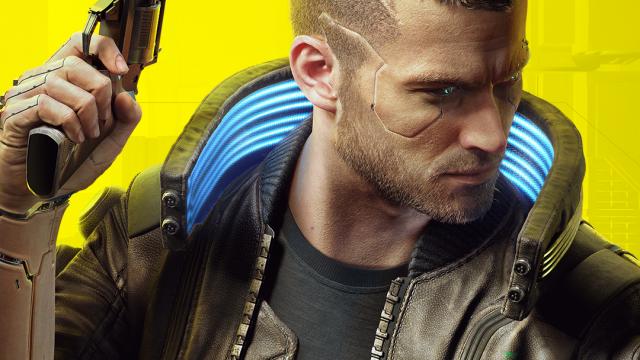
The mod includes some changes to the gameplay settings such as: - No double tap to dodge; - Special dodge button (ALT); - Interaction button changed to (E) instead of (F); - No double tap to holster weapon. Installation: Extract the contents. Drop into the folder C:\Program Files (x86)\Steam\steamapps\common\Cyberpunk 2077\r6\config For other platforms the path should differ, but most likely the path will be \Cyberpunk 2077\r6\config"
- 1935
- 277
- 0
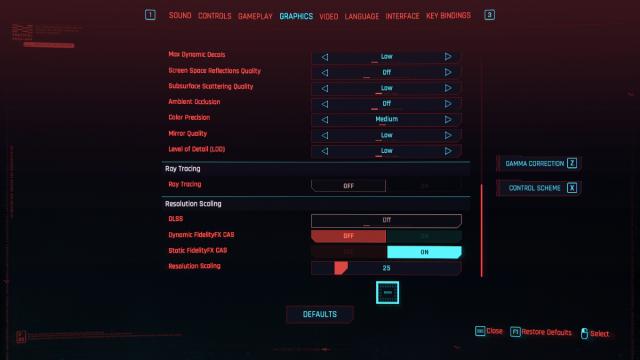
The Cyberpunk 2077 mod adds settings so you can adjust the image resolution to your computer. The setting allows you to scroll between resolutions from 10 to 100 at a rate of 1. It is useful for less powerful computers.
- 1517
- 223
- 0
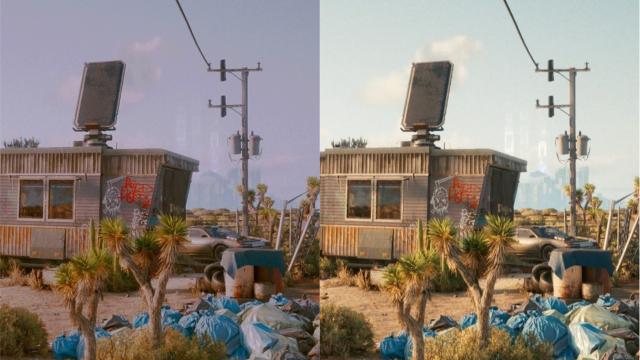
The Cyberpunk 2077 mod adds a new preset in a cinematic style.
- 2325
- 361
- 0
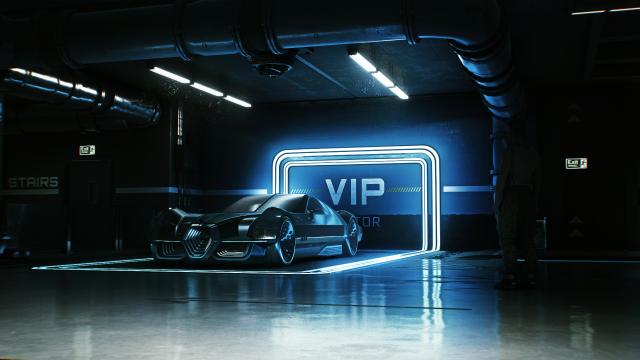
A mod for Cyberpunk 2077 adds a reshade that enhances the contrast of the image, making the picture on the screen more atmospheric.
- 1692
- 247
- 0
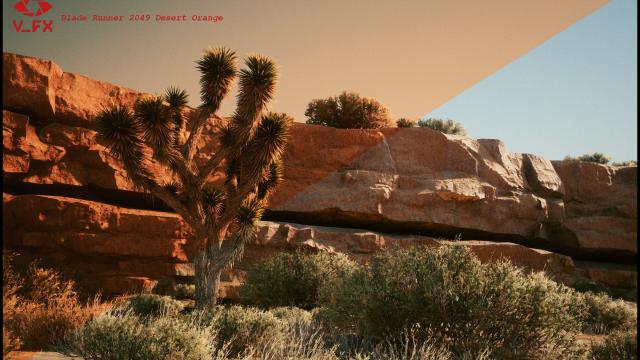
The mod adds a set of presets based on LUT. All color correction options are based on classic cyberpunk movies, including "Blade Runner", "Ghost in the Shell" and "The Matrix".
- 1725
- 273
- 0
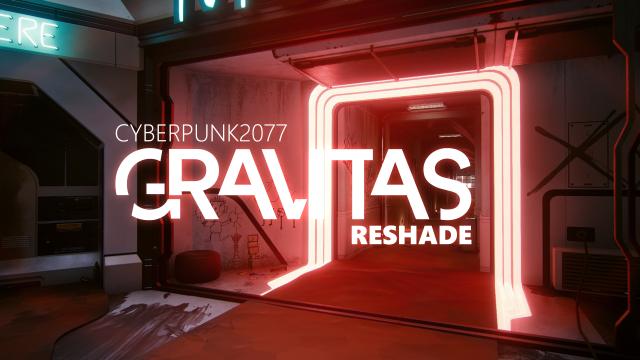
The Cyberpunk 2077 mod slightly improves the visual effects by adding sharpness and contrast.
- 3708
- 303
- 0
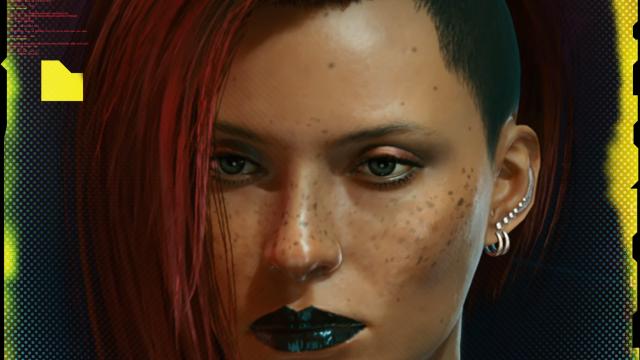
Mod for Cyberpunk 2077 will allow you to set your character icon in a few simple steps using ready-made filters in .psd Installation: 1. Open psd in photoshop, take a screenshot of your character, put it in psd and save; 2. Convert your image to icoconvert.com to make it an icon; 3. Change the game icon.