
Cyberpunk 2077 Mods
Categories

- 1829
- 225
- 0
The mod for Cyberpunk 2077 allows to enable/disable anti-aliasing. It works only with Steam version and with unmodified versions v1.03 and v1.04. How to use: 1. Extract the files to the path where Cyberpunk2077.exe is located; 2. Run "Patch anti aliasing OFF.bat". To re-enable anti-aliasing run the file "Patch anti aliasing ON.bat".
- 1470
- 257
- 0
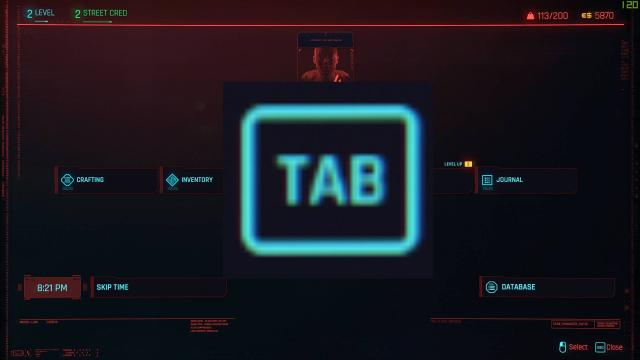
Use the "TAB" key to open the game menu (crafting, inventory, character, etc.). Having to press "I" every time you want to open your inventory requires moving your hand completely to the other side of the keyboard, which is annoying. This mod solves this problem. Just copy and paste the file into the %gamefolder%\r6\config folder and you're good to go.

- 1620
- 265
- 0
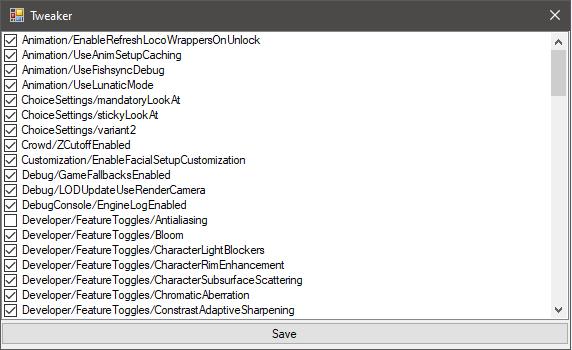
A mod on Tweaker that can fix an exe-file of a game to change some internal settings. Just drop Cyberpunk2077.exe on this Tweaker and select which functions should be enabled/disabled.
- 1419
- 237
- 0
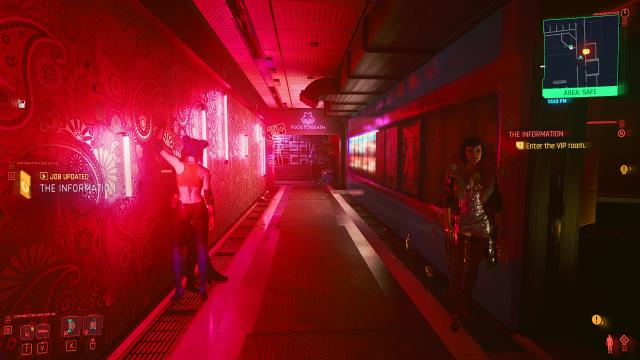
The mod adds a neon preset for those who love brighter pictures.
- 1539
- 242
- 0
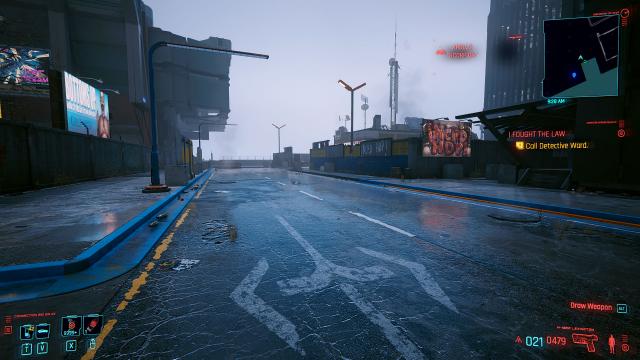
The cinematographic resolution of Cyberpunk 2077 makes the picture brighter, while qualitatively darkening some areas.

- 1278
- 237
- 0
This mod allows you to enable and disable TAA (a post-processing method in which the system analyzes one or more previous frames. This method is best for combating flickering on the edges of moving objects, but leads to "blurring" and artifacts on the edges).

- 2835
- 548
- 0
This is an emulation that will ignore AVX and SSE4.2 processor instructions, solving the crashing issues. Only for those who have already reached missions where the game starts crashing after autosave. Installation 1. Make a backup of the replaced files; 2. Copy the files from the archive to the game folder. sde.exe is a shortcut for checking the correct path. It may not open the first time, this is normal.