
Cyberpunk 2077 Mods
Categories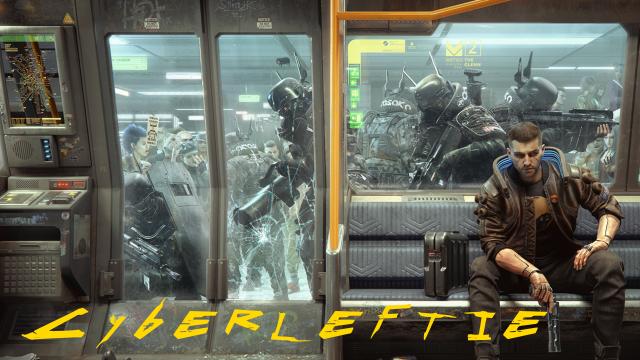

- 1417
- 239
- 0
Current versions of Cyberpunk (1.04 and below) do not allow the user to rebind movement keys or interaction buttons. This is, of course, a huge problem for lefties. This mod provides a pre-configured xml and json files. Installation. Steam: 1. Go to C:\Program Files (x86)\Steam\steamapps\common\Cyberpunk 2077\r6\config 2. Make a backup of the inputUserMappings.xml file and replace it with a file with the same name from this mod 3. Go to C:\Users\[user name]\AppData\Local\CD Projekt Red\Cyberpunk 2077 4. Make a backup of the UserSettings.json file and replace it with a file from the mod GOG: 1. Cyberpunk game catalog>/r6/config> 2. Make a backup of the inputUserMappings.xml file and replace it with a file with the same name from this mod 3. Go to C:\Users\[user name]\AppData\Local\CD Projekt Red\Cyberpunk 2077 4. Make a backup of the UserSettings.json file and replace it with a file from the mod Now your key bindings will be as follows: Movement: Forward = I Left = J Back = K Right = L Miscellaneous: Interact = O (letter) Inventory = Y Craft = A Journal = H Perks = S Feel free to tweak the xml and Json files to your convenience.

- 1188
- 209
- 0
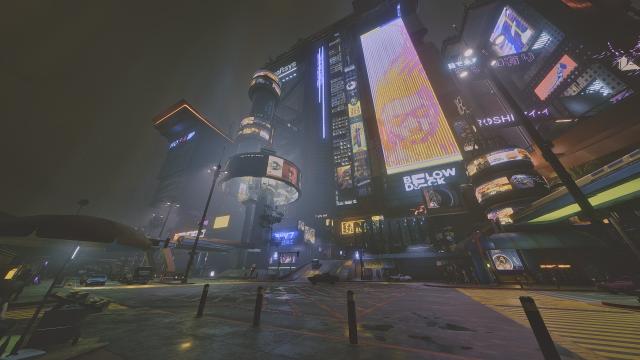
This mod adds a new preset that gets rid of the green fog and slightly darkens the image without sacrificing performance.
- 1415
- 247
- 0
Installation: Simply drop the file into the root folder of the game.

- 1411
- 232
- 0
Mod for Cyberpunk 2077 changes the crafting time to whatever you want. Installation: 1. Drop the downloaded file into the \Cyberpunk 2077\r6\config folder. 2. Open it with any text editor. 3. Press Ctrl+F and search for the line: hold action=" craft_item " timeout= 4. Change the value (default 0.8) to 0.1 (makes crafting instant) or 0.2 (fast crafting).
- 1515
- 228
- 0
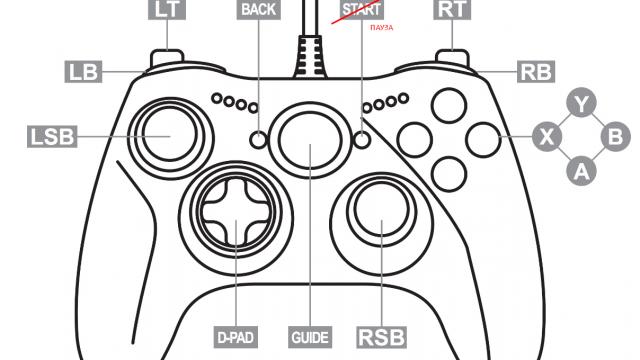
A mod for Cyberpunk 2077 changes the control on an Xbox controller by editing a json file. Now the Start button will put and take off the pause of the game.
- 1424
- 211
- 0
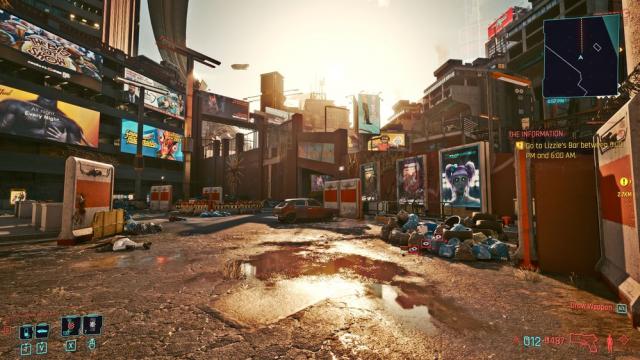
The Cyberpunk 2077 mod adds a preset with a sharper and more realistic image. Best suited for 4K and 9K.
- 1822
- 270
- 0
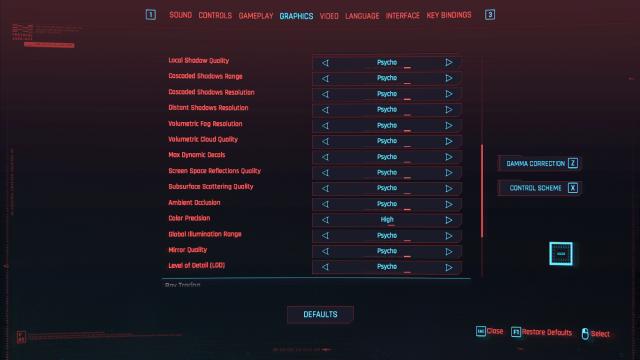
3. Запустите игру и наслаждайтесь новыми настройками. The Cyberpunk 2077 mod unlocks hidden graphics settings, increases FOV sensitivity, and mouse. It includes global lighting settings and settings above HIGH and ULTRA. It includes the following global lighting settings (from off to ULTRA): - Quality of local shadows; - Cascade shadow range; - Cascade shadow resolution; - Far shadow resolution; - Volumetric fog resolution; - Quality of volumetric clouds; - Maximum dynamic details; - Quality of surface scattering; - Occlusion; - Global illumination; - Quality of mirrors; - Level of detail (LOD). - FOV: maximum 150; - Mouse sensitivity: maximum 50; - Zoom sensitivity: maximum 5; - Resolution scale: maximum 300. Installation: 1. First make a backup of your original "options.json" file inside the r6/config/settings/platform/pc/ folder. 2. Then extract the file from the archive and replace "options.json" in the folder. 3. Launch the game and enjoy the new settings.

- 1359
- 254
- 0